Most “Udemy alternatives” pages follow the same pattern: a listicle + a few reasons Udemy isn’t perfect + quick “best for X” verdicts. Typical sections you’ll see:
- “Why look for an alternative?” (quality inconsistency, outdated courses, weak learning paths).
- “Quick verdict / best for…” (a shortlist before the long list).
- A numbered list of platforms (usually mixes marketplaces, subscriptions, MOOCs, niche schools).
- Competitor comparisons based on traffic (SEO tooling approach).
- Enterprise angle (how buyers compare solutions across evaluation, deployment, support, product capabilities).
We’ll keep the useful part (how to decide) and drop the fluff (random lists without a decision framework).
First: “Alternatives” depends on what you’re trying to do
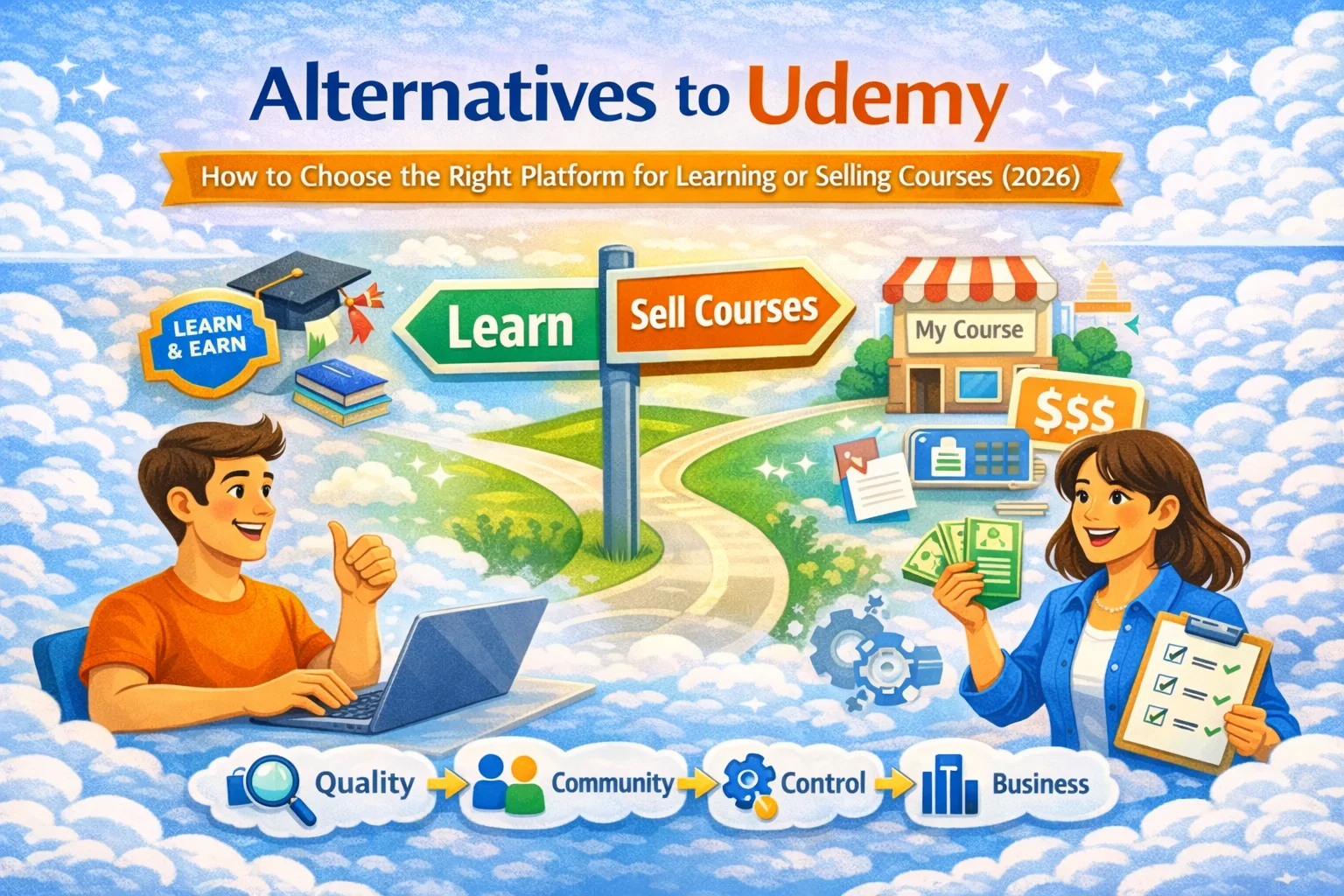
People type “Alternatives to Udemy” for two totally different jobs:
- I want to learn (and not get burned by outdated content).
- I want to sell/teach (and not lose control of pricing, branding, and students).
Pick your path:
- If you’re a learner, skip to How to choose a platform to learn.
- If you’re a creator/teacher, skip to How to choose where to sell your course.
- If you’re a company, skip to Udemy Business alternatives: how teams should evaluate.
What Udemy is (and why people look elsewhere)
Udemy is a marketplace: huge catalog, low prices, lots of instructors. That’s also the core trade-off.
Common pain points that show up again and again in “alternatives” discussions:
- Quality varies because it’s a marketplace (great courses exist, but so does junk and stale content).
- You have to self-curate freshness/relevance; ratings can lag reality.
- Learners sometimes want more structure than standalone courses (tracks, projects, feedback).
- Creators often want more control (brand, pricing, relationship with students)—a theme competitor articles highlight when they recommend “build your own platform”.
None of this means Udemy is “bad.” It means it’s one shape of solution.
Part 1 — If you want to learn: how to choose the right Udemy alternative
The 5 “platform types” you’re actually choosing between
Most lists mash these together, which is why people get confused. Here’s the clean taxonomy:
1) Marketplaces (Udemy-style)
Best when you want:
- Huge variety
- Low cost per course
- Browse-first discovery
Risk:
- You do more work verifying instructor credibility + course freshness.
2) Subscription course libraries
Best when you want:
- Broad professional skills with consistent production
- Ongoing learning without paying per course
Risk:
- Content can be “wide but shallow” depending on provider.
3) University/credential MOOCs
Best when you want:
- Recognized credentials, more academic rigor, sometimes graded work
Risk:
- Less practical in fast-moving fields unless updated frequently.
4) Niche / outcomes-driven schools
Best when you want:
- Job-ready skills, projects, mentoring, community, clear outcomes
Risk:
- Higher cost; narrower catalog by design.
5) Free/open learning (YouTube, docs, open courseware)
Best when you want:
- Zero cost, quick answers, sampling a topic
Risk:
- No structure, no feedback loop, no assessment unless you create it.
Reality check: the “best alternative” isn’t a brand. It’s the category that matches your goal.
The learner checklist (use this and you won’t waste your life)
When comparing any Udemy alternative, evaluate these 10 items:
- Outcome clarity
- “What will I be able to do after?” If a course can’t answer in 2 sentences, it’s vibes.
- Freshness
- Check update dates, tool versions, curriculum notes. In fast-moving fields, stale = expensive.
- Proof of instructor competence
- Not “I love teaching,” but: shipped work, portfolio, publications, or verifiable experience.
- Learning design
- Modules, pacing, recap points, intentional practice. Random videos ≠ teaching.
- Assessment and feedback
- Quizzes, assignments, projects, rubrics, peer review, mentor feedback—anything that closes the loop.
- Community and support
- Forum/Discord/office hours. Especially important if you’re learning solo.
- Accessibility and usability
- Captions, transcripts, playback speed, mobile experience, screen reader friendliness (yes, this matters).
- Credential value (if you care)
- If you need “recognized,” verify the credential’s legitimacy (see Resources).
- Pricing model that matches your behavior
- One-off purchase vs subscription vs cohort fee—match it to how you actually learn.
- Refunds and policies
- If they make it hard to understand, assume it’ll be hard to use.
A simple “pick this if…” guide
- If you want cheap exploration across many topics → marketplace model fits.
- If you want structured progression → outcomes-driven / cohort / niche platforms.
- If you want credentials → university/credential MOOC category.
- If you want fast practical wins → niche schools + projects + feedback.
- If you want free sampling → open resources, then upgrade when you commit.
Part 2 — If you want to teach/sell: where to put your course instead of Udemy
The creator’s core choice: marketplace vs “your own school”
Most creators start on marketplaces because distribution is baked in. Then they hit the ceiling:
- pricing control,
- brand control,
- customer relationship,
- ability to sell bundles, upsells, community, cohorts, etc.
That’s why many “alternatives” articles end up recommending creator-owned setups.
Practical model that works in the real world (and doesn’t require wizardry)
The “hybrid funnel”:
- Publish a small, high-value entry course (low friction).
- Use it to prove you’re legit and learn what people actually struggle with.
- Move serious learners into your owned product: full course, homework, cohorts, or a subscription.
This reduces platform risk: you get discovery and build an asset you own.
Where SubSchool fits (and why it’s an actual Udemy alternative)
If your goal is “I want to sell courses but don’t want to build a website, connect payments, or duct-tape 6 tools,” then SubSchool is designed for that lane:
- Create courses manually (structured modules/lessons)
- Or upload a batch of videos and let AI organize the course structure for you
- If you build lessons manually, AI can generate homework based on lesson context
- You can sell courses as a full course or even by single lesson (great for “try before buy”)
- For teams: <a href="https://subschool.us">SubSchool</a> supports corporate learning and EduHire-style flows, including interview-format tasks inside courses
So instead of “list your course and hope,” you can run a more modern play:
- sell a single lesson as an entry product,
- measure conversion,
- improve the course,
- expand into cohorts, hiring tasks, or corporate training.
Creator checklist: what to prioritize if you’re leaving Udemy
- Distribution: Do you already have an audience? If not, you’ll need a plan (content, partnerships, referrals).
- Offer design: Single course vs bundle vs membership vs cohort.
- Pricing control: Can you set prices without discount chaos?
- Ownership: Do you get student emails / data (within privacy rules), or are you renting access?
- Assessments: Can you add homework, quizzes, projects, interviews?
- Sales model: Full course + “buy one lesson” trial option is underrated for trust-building.
- Operational simplicity: If setup takes weeks, you’ll procrastinate and call it “strategy.”
Part 3 — Udemy Business alternatives: how teams should evaluate
Enterprise buyers usually compare solutions on categories like evaluation/contracting, integration/deployment, service/support, and product capabilities.
If you’re picking for a company, add these:
- Compliance and privacy (education and HR have real constraints)
- Integrations (SSO, HRIS, ATS, LMS standards if needed)
- Analytics (completion, competency, assessment results, hiring funnel signals)
- Role-based permissions (admins, managers, learners, reviewers)
- Hiring workflows (video interviews, task-based evaluation) — a key angle where SubSchool can support EduHire-style courses.
The “don’t get scammed by a shiny platform” final checklist
Before you commit money/time, answer:
- What’s the outcome?
- How do learners prove competence?
- How is content kept current?
- What support exists when learners get stuck?
- What happens to your access if you stop paying?
- If you’re selling: do you own the relationship and pricing?
If you can’t answer these quickly, it’s not a platform—it’s a hope factory.
Resources
- Federal Trade Commission (FTC) — consumer protection basics (refunds, deceptive marketing red flags).
- CHEA (Council for Higher Education Accreditation) — how to think about accreditation and quality assurance.
- U.S. Department of Education: Accreditation overview — official primer and how accreditation works.
- DAPIP (Database of Accredited Postsecondary Institutions and Programs)— verify accredited institutions/programs in the U.S.
- WCAG (Web Content Accessibility Guidelines) — accessibility baseline if you’re building/choosing learning software.
- NIST Privacy Framework— helpful for teams evaluating vendors handling learner/employee data.
Choose by the job you need to complete
A marketplace, an owned teaching workflow, and a team training system solve different jobs. Compare the whole workflow instead of a generic winner list.
Job-based platform selector
| Job | Prioritise | Questions to ask |
|---|---|---|
| Learn an existing topic | Catalogue depth, instructor evidence, sample access, review quality | Can I inspect programme, level, update date, and refund terms? |
| Sell in a marketplace | Built-in discovery, marketplace rules, revenue share | Who owns pricing, customer contact, promotion, and policy changes? |
| Own the customer relationship | Brand, access controls, payments, learner data governance | Can I export or manage the relationship within policy and law? |
| Deliver homework and feedback | Response formats, rubrics, attachments, review loop | Does learner evidence stay beside teacher feedback and revision? |
| Combine courses and tutoring | Catalogue, booking, live room, chat, follow-up work | Can context move from course or session into the next assignment? |
| Train a team | Roles, private programmes, reporting, finance, permissions | Is it true team training support—or is an enterprise SIS still required? |
When Udemy is still the right choice
- You want broad marketplace discovery more than customer ownership
- The topic already has active buyer demand
- A self-paced video-first format fits the outcome
- You accept marketplace pricing, promotion, and policy constraints
- Homework, tutoring, and school operations are not central requirements
Useful next step
Compare your real workflow
Write down the job, learner evidence, discovery need, support load, and control you require before choosing a platform.


