
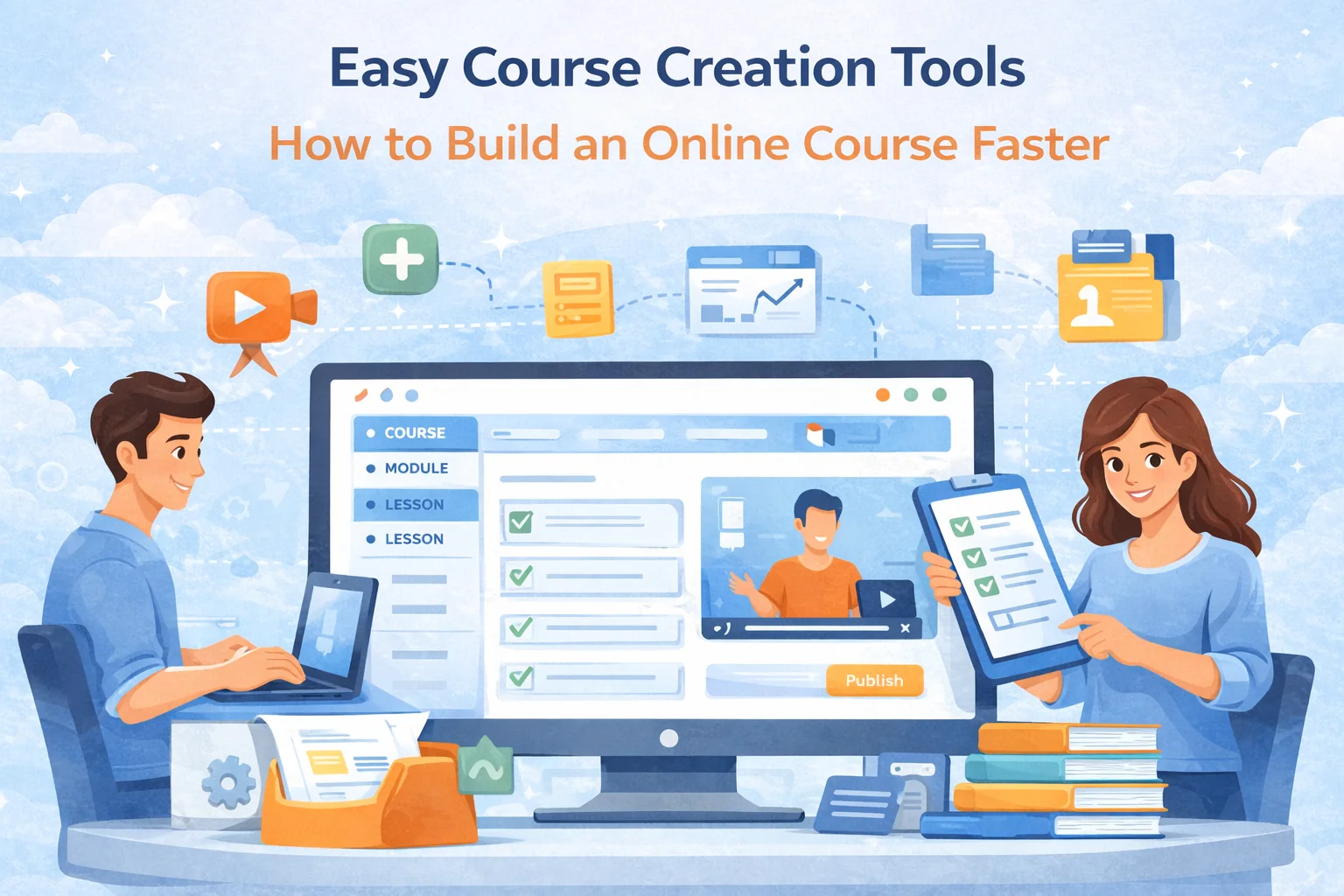
Easy Course Creation Tools: How to Build an Online Course Faster (Without Tech Headaches)
The e-learning boom didn’t just create new opportunities — it also created a new problem: teachers are expected to act like producers, marketers, and admins on top of teaching.
That’s why “easy course creation tools” matter. The right platform helps you do three things without burning out:
- Build a clear course structure fast
- Deliver lessons smoothly (video, live, text, slides)
- Run the course without drowning in admin (homework, feedback, payments, scheduling)
This guide explains what “easy” really means, what features to look for, and how to choose the right platform depending on what you teach and how you sell.
The Need for Simplified Course Creation
Addressing the Challenges of Online Education
Creating an online course isn’t hard because teachers can’t teach. It’s hard because online adds hidden work:
- Structure: turning knowledge into a sequence people can follow (without you repeating yourself 200 times).
- Engagement: keeping students moving when nobody is “watching.”
- Assessment: checking learning without spending your entire life grading.
- Delivery: video quality, live links, recordings, homework flow, reminders.
- Sales + access: payments, refunds, student onboarding, support questions.
“Easy course creation” tools aren’t about fancy design. They reduce friction in the moments that usually kill a course:
- uploading content
- organizing modules/lessons
- getting students to actually do homework
- giving feedback quickly
- handling scheduling or payments cleanly
If a platform makes those steps smooth, you will finish your course and launch it. If not — you’ll have a half-recorded course and a growing hatred of webcams.
Features of Easy Course Creation Tools
Intuitive User Interfaces
A UI is “intuitive” if you can do the core job in one sitting without searching documentation.
Test it like a normal human, not like a product manager:
- Can you create a course, a module, and a lesson in under 5 minutes?
- Can you add video + slides + text to one lesson without hacks?
- Can you preview the course as a student instantly?
- Can you duplicate a lesson/module (reuse is everything)?
- Can you find student submissions in 2 clicks?
Green flags
- clear “course → module → lesson” hierarchy
- obvious “publish/unpublish” control
- preview mode that matches student reality
- no “settings labyrinth” just to do basic things
Red flags
- you need integrations for basic workflow (grading, chat, recordings)
- every feature feels like it was built for enterprise admins, not teachers
- “simple” is actually “limited”
Drag-and-Drop Functionality
Drag-and-drop is useful when it helps you do these real tasks:
- reorder lessons after you realize “this should be earlier”
- move lessons into a new module when you split the course into levels
- create a “bonus module” without rebuilding everything
- build a repeatable structure (Lesson template → duplicate → fill)
But drag-and-drop alone doesn’t make a platform easy.
What matters more than drag-and-drop:
How fast you can go from idea → lesson → homework → student submission → feedback.
So treat drag-and-drop as a convenience feature, not the main decision point.
Pre-Designed Templates
Templates save you from the blank page and help you ship. But the best templates aren’t “pretty.” They’re pedagogical.
A good course template answers:
- What is the outcome?
- What is the weekly rhythm?
- How does practice happen?
- Where do students get feedback?
- What proves they improved?
3 templates that work in real life (steal these):
1) Skill course (self-paced)
- Module 1: Foundations
- Module 2: Core skill drills
- Module 3: Real-world applications
- Module 4: Capstone project
- Every lesson: short concept → demo → exercise → submission
2) Exam prep (deadline-based)
- Diagnostic test (incoming exam)
- Weekly cycle: lesson → homework → mini-test
- Final test (outgoing exam)
- Score improvement becomes the “result story” of the course
3) Cohort / live course (group)
- 1–2 live sessions/week
- Homework after each session
- Office hours / Q&A slot
- Recordings saved automatically
- Group chat drives accountability
If a platform supports templates and makes them easy to repeat, you’ll scale faster.
Evaluating Top Course Creation Platforms
SubSchool: A Comprehensive Solution
If your course includes practice, homework, feedback, and live interaction, you want a platform that doesn’t force you to duct-tape 6 tools together.
SubSchool-style positioning (what matters for “easy creation”):
- lessons can include video, slides, and articles in one place
- live lessons + recordings become part of the course flow
- homework can be generated from lesson materials (fast creation)
- grading can be automated for essays / interview-style answers (time saver)
- tutoring scheduling + chat + lesson recordings connect into one workflow
- courses can be sold as full bundles or smaller parts (lower friction purchase)
That combination reduces the “course admin tax,” which is what kills creators after launch.
Other Notable Platforms
Different platforms win for different goals. The mistake is picking a platform because it’s famous instead of matching your workflow.
Typical platform categories:
- Marketplaces: huge demand, but you give up control (pricing, branding, access, data). Great if you have no audience and want discovery.
- Creator storefronts: control and branding, but you bring your own traffic.
- All-in-one teaching workflows: better when you need live lessons, homework, grading, chat, tutoring, cohorts.
When choosing, don’t compare features — compare the workflow you need.
Streamlining Content Development
Organising Course Material
Most courses fail because they’re organized like a teacher’s brain, not a student’s journey.
Use this structure rule:
One lesson = one job-to-be-done for the student.
Not “Chapter 4,” not “Topic 9.” A job.
Examples:
- “Solve linear equations with fractions”
- “Write a strong thesis statement”
- “Prepare a 60-second interview answer”
Lesson blueprint that works across subjects:
- Outcome (what student can do after)
- Common mistake (what they usually do wrong)
- Explanation (short)
- Example (worked solution / sample answer)
- Practice (exercise)
- Submission (what they upload)
- Feedback (rubric / checklist)
- Next step (link to the next lesson)
If your platform makes this flow fast to build and repeat, course creation becomes mechanical — in a good way.
Incorporating Multimedia
Multimedia should reduce confusion, not decorate the lesson.
Use formats strategically:
- Video: motivation + clarity + demonstration
- Slides: structure + key points + visuals
- Text article: searchable reference + step-by-step instructions
- Short quizzes: quick confidence checks
- Homework: real learning happens here
Simple production standard (good enough to sell):
- audio matters more than camera
- good lighting beats expensive gear
- screen recording + voice is often enough for many topics
- keep videos chunked (5–12 min is the sweet spot for most lessons)
Enhancing Student Engagement
Interactive Elements
Engagement comes from doing, not watching.
Build interaction into the default rhythm:
- micro-check inside the lesson (“pause and answer”)
- homework immediately after the lesson
- weekly mini-test for consistency
- discussion prompt in chat (“post your solution / your answer draft”)
High-retention homework types:
- “fix the mistake” (students love debugging)
- “compare two answers and explain which is better”
- “record a 60–90 second explanation”
- “mini-case: choose a solution and justify it”
If your platform supports easy homework creation (or AI-assisted generation), you can ship more practice without writing everything manually.
Feedback and Assessment Tools
Feedback is where online courses die — because it becomes too slow.
To keep feedback manageable:
- use a rubric (even a simple 4-point checklist)
- give “one big fix” + “one next step” instead of paragraphs
- automate what can be automated (format validation, essay structure checks, interview scoring, etc.)
- collect recurring mistakes and turn them into new lesson snippets (“Most common errors”)
If the platform gives you analytics + structured submissions, you’ll improve the course faster and students will feel progress.
Simplifying Administrative Tasks
Automated Grading and Reporting
Admin time is invisible until you lose a weekend.
Look for automation that reduces repetitive work:
- auto-check for formatting errors (so students don’t “fail” because they typed x=2 instead of 2)
- auto-scoring for quizzes
- AI support for evaluating essays/interview answers (with rubrics)
- progress dashboards so you don’t manually track who is behind
Even basic automation can cut your workload massively once you pass ~10–20 active students.
Student Management Features
Your future self will care about:
- enrollment management (who has access to what)
- messaging/chats (course chat + 1:1 support)
- live lesson scheduling, recordings, and where they land
- payment history and access rules
- refunds / pauses / retakes
If the platform doesn’t make these easy, you’ll end up running your course in 4 spreadsheets and 3 messengers. That’s not “online education,” that’s a survival game.
Overcoming the Tech Barrier
Support and Resources (H3)
Even “easy” platforms have a learning curve, so support matters.
What good support looks like:
- help center with real screenshots and step-by-steps
- fast ticket response
- templates and examples (not just “contact support”)
- clear setup guides for live lessons, recording, homework
If you’re starting out, choose a platform where you can get unstuck quickly — because every stuck moment is momentum lost.
Continuous Improvement and Updates
Online courses aren’t “record once, sell forever” unless you already have a monster brand. Most teachers grow by iterating.
Simple improvement loop (every 2–4 weeks):
- Check where students drop off (lesson completion)
- Find which homework has low submission rate
- Rewrite instructions (usually the issue)
- Add one extra example
- Add one “common mistake” block
- Improve the first 10 minutes of the course (it affects everything)
If your platform gives you progress signals, iteration becomes obvious instead of guessing.
Conclusion
Easy course creation tools don’t just make building a course faster — they make launching and running it sustainable.
The best platforms reduce friction across the full workflow:
- course structure
- lesson delivery (video/live/text/slides)
- homework and feedback
- student communication
- scheduling and payments
- analytics and iteration
If you choose a platform that matches your teaching model (self-paced, live cohort, tutoring, exam prep), you’ll spend less time fighting tools and more time creating outcomes — which is the only thing students actually buy.


