
Exploring Advanced Online Teaching Software: Elevate Your Digital Classroom
Dive into the world of advanced online teaching software and discover how these tools can enhance your digital classroom experience.
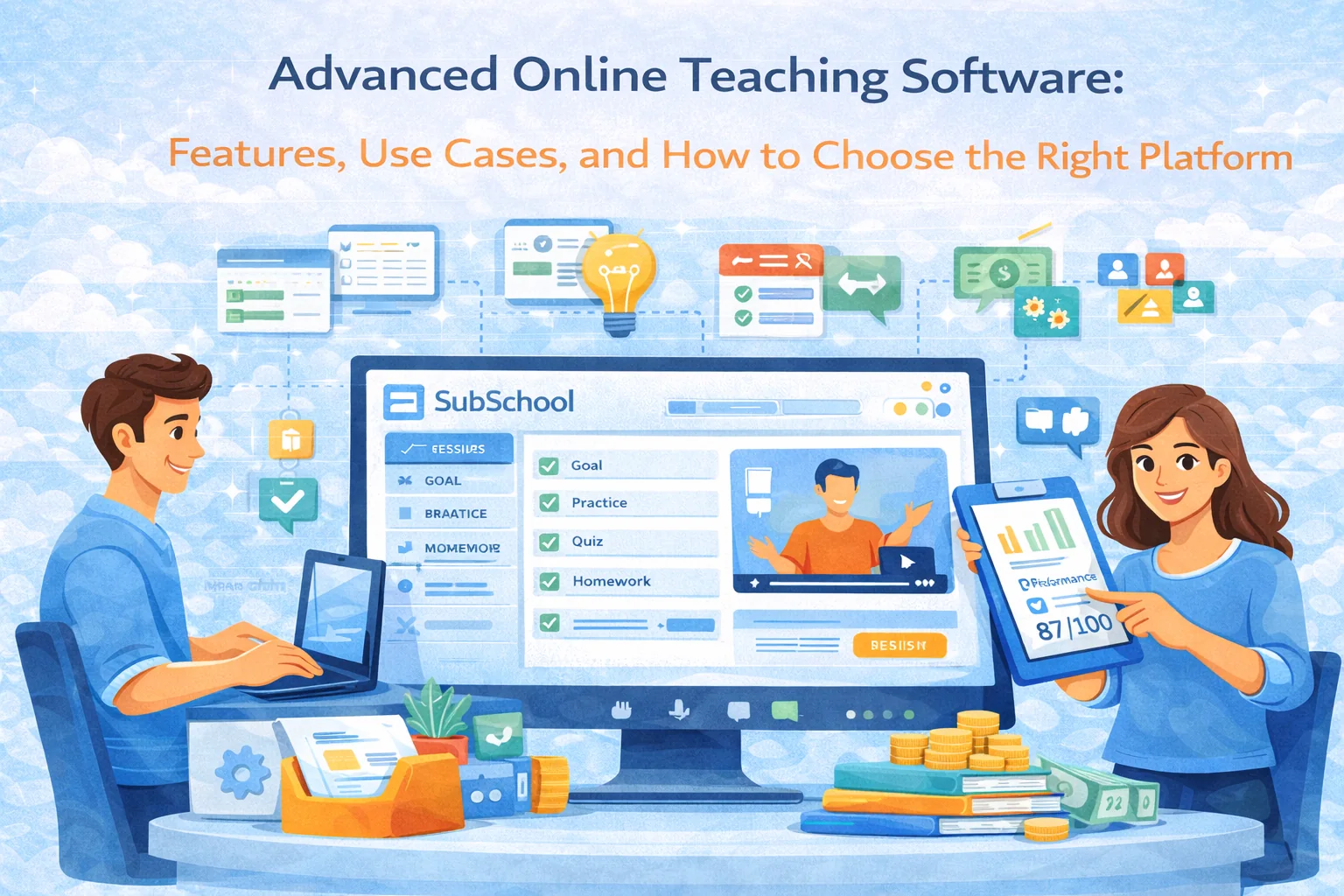
Advanced Online Teaching Software: Features, Use Cases, and How to Choose the Right Platform
In 2026, “online teaching software” isn’t just Zoom + a Google Drive folder anymore. Teachers, tutors, schools, and even businesses now expect an all-in-one workflow: course creation, live lessons, homework, grading, analytics, and a clean student experience that doesn’t feel like a DIY puzzle.
Advanced online teaching platforms exist to do one thing well: remove the chaos—so you spend time teaching, not chasing links, files, submissions, and “I can’t find the homework” messages.
This guide breaks down what “advanced” actually means, which features matter (and which are marketing fluff), and how to pick a platform that fits your teaching model. I’ll also show how a platform like SubSchool fits into these workflows without turning your teaching life into a cockpit.
The Evolution of Online Teaching Software
From Basic to Advanced: A Journey
The early stage of online teaching looked like this:
- Video calls for lessons
- PDFs or links for materials
- Homework in chat
- Tracking progress in a spreadsheet
- Payments “somewhere else”
That works… until you have more than a few students, or you add groups, or you need consistent homework + grading + progress tracking.
Advanced online teaching software evolved to solve the scaling problems:
- Consistency: one place for lessons, materials, homework, submissions, and feedback
- Automation: reduce repetitive teacher work (grading, distribution, reminders, organization)
- Measurement: see what students actually do and how they progress
- Engagement: make learning feel structured and motivating, not “random calls + random files”
Key Features of Advanced Teaching Software
Here’s what “advanced” usually includes—and how to evaluate if it’s real value or just a fancy checkbox.
Interactive Content Creation
This is not “upload a video and call it a course.” Strong platforms let you build lessons that support different learning styles:
What to look for
- Lessons that support video + slides + text (not only one format)
- Clear course structure: modules → lessons → homework
- The ability to reuse materials and update lessons without breaking everything
What “good” looks like in practice
- You can take an existing lesson and turn it into:
- a live session plan + materials
- a self-paced version
- homework generated from the lesson’s content (more on that below)
On SubSchool, lessons are content-first (video/slides/article), and you can attach homework to each lesson—so the course feels like an actual learning flow, not a playlist.
Real-Time Analytics and Feedback
Analytics in education is only useful if it changes what you do next.
Metrics that actually matter
- Completion rates per lesson/module (where people drop)
- Homework submission rates (who is stuck, who is disengaged)
- Topic-level weakness patterns (what to reteach)
- Improvement over time (not just raw scores)
The “advanced” part
- The platform helps you react:
- “Most students failed Question Type X → assign targeted practice.”
- “Student A is consistently slow → adjust workload or add simpler steps.”
If you teach exam-prep, analytics becomes even more powerful when tied to diagnostics and exit tests (more on that in “personalized learning paths”).
Collaborative Tools and Resources
Collaboration isn’t a “nice to have.” It’s what keeps students engaged and reduces teacher support load.
What to look for
- Course chats (group learning)
- 1:1 chat for tutoring/support
- Assignments + submissions living next to the discussion (not scattered)
Why it matters
- Students ask fewer repetitive questions when everything is in one place
- You can answer once and everyone benefits
- You don’t lose context between “lesson → homework → feedback”
SubSchool leans into this with course chats and 1-1 tutoring chats where recordings, homework, and feedback live together.
Enhancing Student Engagement
Engagement doesn’t come from “fun.” It comes from clarity, momentum, and feedback loops.
Gamification Elements
Gamification works when it supports learning outcomes, not when it distracts.
Useful gamification
- Streaks for consistent practice
- Milestones (Module 1 complete, “Algebra Basics mastered”)
- Weekly mini-tests that feel like progress checkpoints
Bad gamification
- Leaderboards that reward speed over understanding
- Point systems that don’t connect to skills
If you run exam-prep courses, the best “gamification” is often a visible score/progress trajectory.
Personalized Learning Paths
This is where advanced platforms separate themselves from “video hosting + quizzes.”
What personalization should mean
- Students don’t all get the same next homework set
- The platform adapts based on performance:
- more practice on weak areas
- fewer repetitive tasks on mastered topics
- targeted review before tests
SubSchool supports AI homework generation, including adaptive homework that adjusts to student performance—this is exactly the kind of personalization teachers want but rarely have time to build manually.
Streamlining Administrative Tasks
If a platform saves you 2 hours/week, it’s nice.
If it saves you 2 hours/day, it becomes your business model.
Automated Grading and Reporting
Grading automation is only valuable if it handles real teacher pain—not just multiple-choice tests.
Look for grading that supports
- Essays (with clear criteria)
- Voice/video interview answers (for soft skills, oral exams, language learning, etc.)
- Answer validation that reduces “I typed it differently so it marked wrong” frustration
SubSchool is built around AI grading for:
- essays
- interview-style voice/video answers
- input validation to prevent formatting-based false failures
That’s a big deal for scaling homework in writing-heavy or interview-heavy courses.
Efficient Course Management
This is the unsexy part that decides whether you’ll keep using the platform after week 2.
Must-haves
- Fast lesson creation
- Simple homework attaching + reusing
- Clean student view (no confusion)
- Scheduling and recordings stored correctly for live lessons
If you do tutoring: an “advanced” system should connect calendar → booking → lesson → recording → homework → billing.
SubSchool supports that tutoring loop and can calculate billing based on session recording length (useful when sessions vary).
Choosing the Right Software
Assessing Your Needs
Before comparing platforms, answer these (quickly, no философии):
- Are you mostly 1:1 tutoring, group courses, or both?
- Do you need homework as a core part of learning, or optional?
- Is your subject exam-prep (diagnostic → practice → exit test) or skill-based?
- Do you need essays / oral answers graded?
- Do you sell per course, per lesson/module, or subscription?
Your answers define the feature priority list.
Exploring Options
When evaluating a platform, do a 30-minute “reality test,” not a demo-tour.
Reality test checklist
- Can I create a course structure in 10 minutes?
- Can I add:
- one lesson with content
- one homework assignment
- one grading/checking flow
- Can a student find everything in 2 clicks?
- Can I see progress without exporting into Excel?
- Does it support my selling model (bundle vs single lessons/modules)?
If you want a platform that’s designed around the “teach + tutor + sell” workflow and automates routine teacher work without requiring you to build a website or wire payments, SubSchool is the type of option you’d shortlist early.
Conclusion
Advanced online teaching software is basically a multiplier:
- for teaching quality (structure + feedback loops)
- for student outcomes (practice + personalization + momentum)
- for your time (automation + fewer admin tasks)
- for your income (you can scale beyond 1:1 hours)
The best choice depends on your teaching model—but if your goal is to run real online education (courses, tutoring, homework, grading, and sales) in one system, platforms like SubSchool are built for exactly that.


