Best Platforms for Online Teaching: How to Choose (and What You Trade Off)
The “best” online teaching platform depends on one thing: what you want to win at.
- Want instant demand (marketplace traffic)? You’ll accept less control and stricter rules.
- Want control + brand + long-term income (your own school)? You’ll need to drive your own traffic (at least at first).
- Want academic credibility (universities / certificates)? You’ll need tighter standards and longer lead times.
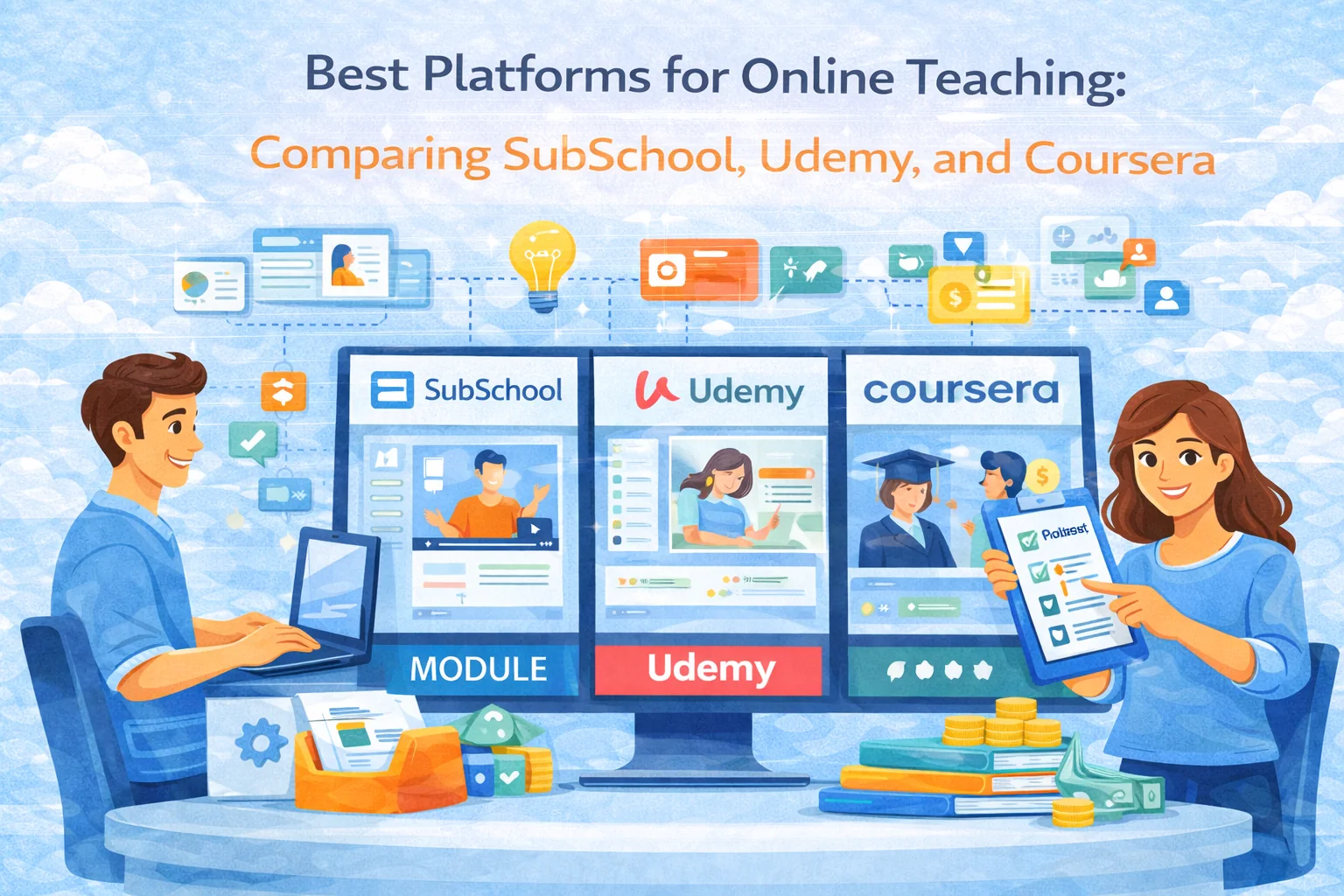
This guide compares the common options (including SubSchool) and gives you a decision framework you can actually use.
Criteria for Choosing an Online Teaching Platform
Understanding Your Needs
Before you compare logos and pricing pages, answer these 6 questions:
- Who is your audience?
- Kids/parents, exam prep, adults learning skills, corporate teams, hobby learners… each segment behaves differently.
- What format sells best for your topic?
- Self-paced video? Live cohorts? 1:1 tutoring? Blended (recorded + live)?
- Do you need a marketplace—or are you building your own audience?
- Marketplaces bring traffic, but you usually sacrifice pricing control, branding, and the student relationship.
- Do you need homework, grading, and progress tracking?
- If results matter (exam prep, certifications, hiring), you need real assessment tooling—not just video hosting.
- How “hands-on” do you want to be?
- Fully asynchronous is scalable. Live cohorts can charge more but require calendar commitments.
- What’s your monetization model?
- Pay per course, pay per lesson, subscription, bundles, corporate licenses—some platforms support this cleanly, some don’t.
Key Features to Look For
Here’s the feature checklist that actually affects outcomes:
- Course builder: modules/lessons, prerequisites, drip scheduling, drafts, revisions
- Video + live: uploads, streaming, scheduling, recordings
- Homework & assessments: quizzes, open-ended tasks, rubrics, AI/manual grading, attempts, retakes
- Student experience: mobile-friendly, reminders, clear progress UI
- Analytics: lesson completion, drop-off points, cohort performance, assignment stats
- Payments & pricing: coupons, bundles, taxes/VAT handling (if relevant), payouts
- Support & stability: uptime, help center, response time
- Brand & ownership: your school identity, student list access, custom pages, portability
- Growth: SEO pages, marketplace traffic (if available), referral mechanics, landing pages
Top Online Teaching Platforms
SubSchool
Best for: educators who want an all-in-one “teach + assess + sell” setup without building a website from scratch.
Where it shines
- Structured course building that feels like “set up a school,” not “upload a video and hope.”
- Live + async: you can run cohorts or mix recordings with live lessons.
- Homework + progress tracking baked into the workflow (this matters a lot for exam prep and skill-based learning).
- Student-friendly purchase model if you sell courses/lessons in flexible ways (good for lowering “first purchase” friction).
Watch-outs (the honest part)
- If you rely purely on organic marketplace traffic, giant platforms will still dwarf everyone by default. You’ll still want a content + distribution plan (shorts, posts, blog, partnerships).
- If you need highly custom enterprise integrations on day one, you’ll want to validate what’s available and what’s on the roadmap.
Who should pick it
- Tutors/exam-prep teachers who need assignments + measurable outcomes
- Creators who want to move from 1:1 into scalable course sales
- Small schools that need multiple teachers + shared rules and a consistent student experience
Udemy
Best for: teachers who want built-in marketplace demand and can compete on topic + packaging.
Where it shines
- Big marketplace exposure (people already shop there)
- Simple publishing flow for self-paced courses
- Reviews can compound growth if you win early positioning
Watch-outs
- You trade off pricing control and a lot of brand ownership.
- Competition is brutal in popular topics; you win by: niche + outcome + proof + production quality.
Who should pick it
- You teach a topic with broad demand and clear keywords (“Excel for…”, “SAT Math…”, “Photoshop…”)
- You’re okay being one tile in a huge marketplace
Coursera
Best for: institutions and educators who want credential-style trust (often tied to partners).
Where it shines
- Strong “academic/professional” positioning
- Structured learning experiences + credential vibes
Watch-outs
- Harder to publish as an independent educator (often partner-driven)
- Less flexibility in marketing and experimentation
Who should pick it
- University-style content, professional certification tracks, partner-backed programs
Comparing the Platforms
User Experience
- SubSchool: built for “I want to teach + manage outcomes” with less setup overhead.
- Udemy: built for “publish a course and compete inside a marketplace.”
- Coursera: built for credentialed learning journeys, typically less “indie creator” friendly.
Content Creation and Management
If your teaching relies on homework, checkpoints, and feedback loops, platforms that treat assignments as first-class objects will outperform video-first platforms for student results.
Practical takeaway:
- Video-only works for “knowledge transfer.”
- Homework + feedback wins for “skill building” and “exam improvement.”
Revenue Models and Pricing
Instead of obsessing over percentages, do this simple math:
- Net per student = price you control × conversion rate × platform share (and fees)
- Time per student = grading + support + live time
- Profit per hour = (net revenue – costs) / time
Marketplaces can win on volume but lose on control. “Your school” platforms can win on margin and repeat buyers.
Community and Support
Community matters more than people think:
- A platform that helps you manage students, homework, and communication reduces churn and refunds.
- If support is slow, every technical issue becomes a reputation problem.
Decision Guide: Pick the Right Platform Fast
Choose SubSchool if:
- you want an online school, not just a course page
- you need homework + assessment + progress tracking
- you run live cohorts or blended learning
- you care about building a brand and repeat buyers
Choose Udemy if:
- you want marketplace discovery and can compete in a crowded catalog
- you’re okay with platform-driven pricing dynamics
- your course is “self-paced video friendly”
Choose Coursera if:
- you have (or can get) institutional/partner positioning
- your goal is credential-like trust and structured programs
Quick “Don’t Regret This Later” Checklist
Before you commit, check these five things:
- Can you export student data / contacts in a reasonable way?
- Do you control pricing and offers (coupons, bundles, tiers)?
- Can you run your preferred format (live, async, blended) without hacks?
- Can you measure learning outcomes (not just “views”)?
- Can you migrate later without losing everything?
Conclusion
There isn’t one “best platform.” There’s the best platform for your strategy.
- If you want a school-like system with teaching workflows (lessons, homework, tracking, live sessions) and room to build your own brand, SubSchool is the direction.
- If you want instant marketplace exposure, platforms like Udemy are built for that tradeoff.
- If you need credential-level positioning, Coursera-style ecosystems make sense—when accessible.


