Innovative Educational Content Creation Platforms: Unlocking Your Teaching Potential
Explore innovative platforms that transform how educators create and deliver content, unlocking new levels of teaching potential and student engagement.
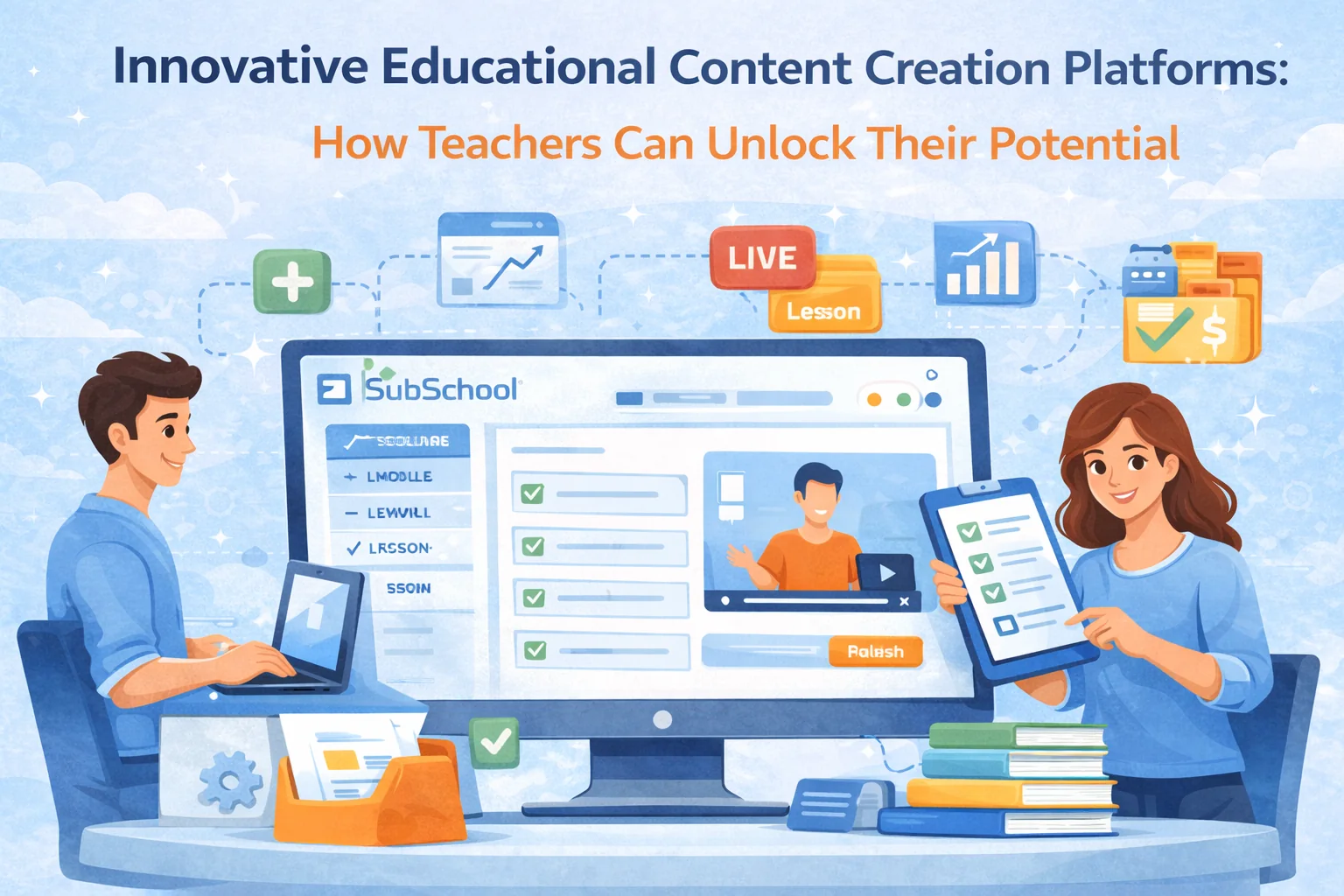
Innovative Educational Content Creation Platforms: How Teachers Can Unlock Their Potential
The biggest shift in education isn’t “classes moved online.” It’s that teachers became producers. You’re expected to design a learning path, create content, run live sessions, manage homework, grade, track progress, and communicate with students—often across five different tools.
Innovative educational content creation platforms exist to fix that. The best ones don’t just host videos—they help you build a complete learning experience: content → practice → feedback → progress → results → sales.
Platforms like SubSchool are built around that full workflow: you can create lessons with video/slides/articles, run live lessons with recordings saved automatically, generate homework with AI, grade essays and interview-style video answers, manage chats, tutoring scheduling, and sell courses as bundles or by individual lessons.
This guide explains what “innovative” really means in 2026, which features matter, how to choose a platform, and how to use it to teach better (not just faster).
The Rise of Digital Education Tools
Adapting to a Changing Educational Landscape
Online education didn’t win because it’s trendy. It won because it solves real constraints:
- Students want flexibility (time zones, schedules, replay, pacing).
- Parents want clarity (progress, outcomes, proof of improvement).
- Teachers need scalability (less repetition, less admin, more leverage).
- Schools and businesses want measurable results (skills, readiness, rating).
So the market shifted from “upload content” to “deliver outcomes.” That’s where platforms like SubSchool compete: not as a video library, but as a system to run education end-to-end.
Features of Innovative Educational Platforms
“Innovative” isn’t about flashy animations. It means the platform helps you do the things that actually make learning work.
User-Friendly Course Creation
A platform is truly user-friendly if you can go from idea to a working course without a tutorial marathon.
A practical test (do this in 20 minutes):
- Create a course with 2 modules and 4 lessons
- Add a video + slides + a short article to one lesson
- Add one homework assignment with clear submission rules
- Preview as a student
- Find the submission and leave feedback
If you can’t do this smoothly, the platform isn’t “innovative.” It’s just another dashboard.
Where SubSchool fits: It’s designed around the teacher flow (course → module → lesson), and it supports mixed lesson materials (video, slides, text) so you’re not forced into a single format.
Interactive and Multimedia Capabilities
Engagement comes from doing, not watching.
High-impact platforms support:
- interactive checks (quizzes, short tasks, prompts)
- structured submissions (files, text, video/voice)
- discussions tied to the course (not scattered across messengers)
- live sessions + recordings attached to lessons or chats
SubSchool advantage: It combines live lessons + recordings + chat + homework in one place. That matters because most drop-off happens in the messy transitions (“Where’s the link?” “Where’s the recording?” “Where do I submit?”).
Real-Time Analytics and Feedback
Analytics don’t need to be complicated. The essentials are:
- Completion rate per lesson (where people drop)
- Submission rate per homework (where practice breaks)
- Time-to-first-success (how quickly a student feels progress)
- Score delta over time (what improved, not just what was watched)
Platforms that surface these signals help you iterate and increase retention.
Bonus points (especially for exam prep): incoming diagnostic → outgoing final assessment, and the difference becomes a measurable “result story.”
Highlighting Leading Platforms
SubSchool: A Comprehensive Educational Platform
SubSchool is strongest when your teaching needs more than content hosting—when you need an actual learning system.
What makes it “content creation + teaching workflow” instead of “course storage”:
- Lessons with multiple formats: video, slides, articles in one lesson
- Live lessons + recordings: runs like a real classroom, but online
- AI homework generation: create assignments from your lesson materials
- Adaptive practice: homework can adjust based on performance (great for skills + exam prep)
- AI grading: essays + interview-style voice/video answers, plus validation so students don’t fail on formatting
- Tutoring mode: availability calendar → student request → approval → lesson link → recording saved → homework in chat → billing from session length
- Chats: course chats + 1:1 chats keep everything in one place
- Selling: courses can be sold as a bundle or by module/lesson (lower barrier to entry)
If your work includes homework, feedback, live sessions, or tutoring—SubSchool reduces your tool stack and your admin time.
Other Notable Platforms
Different platforms are good at different things. The mistake is comparing feature lists instead of choosing based on your teaching model.
A simple positioning map:
- Marketplace-first (discovery): huge audience, less control (pricing/branding/data)
- Storefront-first (control): you bring traffic, great branding
- Workflow-first (teach + practice + feedback): best for live + homework + tutoring + outcomes
SubSchool belongs in the third category: education as a repeatable workflow, not just content distribution.
Integrating Technology in Education
Embracing a Blended Learning Approach
The best online courses aren’t “Zoom + slides.” They’re blended:
- Asynchronous content (watch/read at your pace)
- Synchronous practice (live lessons, Q&A, workshops)
- Homework + feedback (where learning actually locks in)
A practical pattern that works across subjects:
Before live lesson: short video + 3 questions
Live lesson: examples + guided practice + discussion
After live lesson: homework submission + feedback + mini-test
SubSchool helps because live recordings, chats, and homework all stay connected to the course—students don’t lose context.
Personalising the Learning Experience
Personalization doesn’t mean “custom lesson plans for 200 people.” It means:
- different practice for different levels
- faster feedback loops
- targeted repetition where students struggle
This is where AI becomes useful, not gimmicky:
- generate extra practice from the same lesson topic
- adapt difficulty based on performance
- grade essays/interviews with rubrics faster (teacher stays in control)
SubSchool’s AI homework generation and AI grading fit this exact “scale practice + feedback” problem.
The Impact on Teaching and Learning
Enhancing Student Engagement
Students stay when they feel progress.
Engagement drivers you can build into the platform:
- weekly rhythm (lesson → homework → mini-test)
- community prompts (“post your answer draft,” “share your solution”)
- fast feedback (even short rubric-based feedback)
When platforms reduce friction around submissions and feedback, engagement rises—because students actually finish the work.
Expanding Educational Reach
With a platform like SubSchool, you can:
- teach internationally without tech setup
- sell courses in parts (students try one lesson before committing)
- run tutoring and courses in one system (more revenue without chaos)
Reach isn’t just geography. It’s also formats: self-paced, cohort, tutoring, exam prep.
Best Practices for Content Creation
Crafting Engaging and Relevant Content
Here’s a course-building framework that prevents “info dump” courses:
Every lesson should have:
- Outcome (“After this lesson you can…”)
- Common mistake (“Most students mess this up by…”)
- Explanation (short, clear)
- Worked example / model answer
- Practice task
- Submission format (what exactly to send)
- Feedback rubric (what “good” looks like)
This is easy to reproduce inside SubSchool because lessons can hold content + homework + chat context.
Continuous Improvement and Adaptation
Run a simple improvement loop every 2–4 weeks:
- Identify drop-off lessons
- Rewrite unclear instructions
- Add one extra example
- Add one “common mistakes” block
- Improve the homework prompt (usually the real bottleneck)
If the platform gives you basic analytics and keeps submissions organized, improvement becomes obvious.
Challenges and Considerations
Navigating the Digital Divide
Practical fixes (don’t just “care about accessibility”—ship it):
- provide text summaries of videos
- keep file sizes reasonable
- make mobile-friendly content
- add captions/transcripts for live recordings
- allow alternative submission formats when needed
Balancing Digital and Traditional Methods
If you teach school-age students or exam prep, structure beats freedom.
A strong default:
- 2 lessons/week
- homework after each
- 1 weekly mini-test
- monthly checkpoint
- clear “incoming → outgoing” assessment
SubSchool’s exam-style flow (especially with grading support) can turn this into a measurable rating-style outcome story.
Conclusion
Innovative educational content creation platforms unlock teacher potential when they reduce tool chaos and strengthen the learning loop: content → practice → feedback → progress → results.
If your teaching includes live sessions, homework, feedback, tutoring, or exam outcomes, you don’t need “another video platform.” You need a workflow platform—and that’s exactly where SubSchool shines: course creation, live lessons, AI homework, AI grading, chats, tutoring scheduling, and sales in one system.
Next step: pick a platform based on your teaching model (self-paced vs live cohort vs tutoring vs exam prep), build one small course, launch fast, and iterate using real student behavior—not guesses.


