Lesson Planning Software Online: Streamlining Your Educational Process
Discover how online lesson planning software can streamline your educational process, enhance efficiency, and elevate the learning experience.
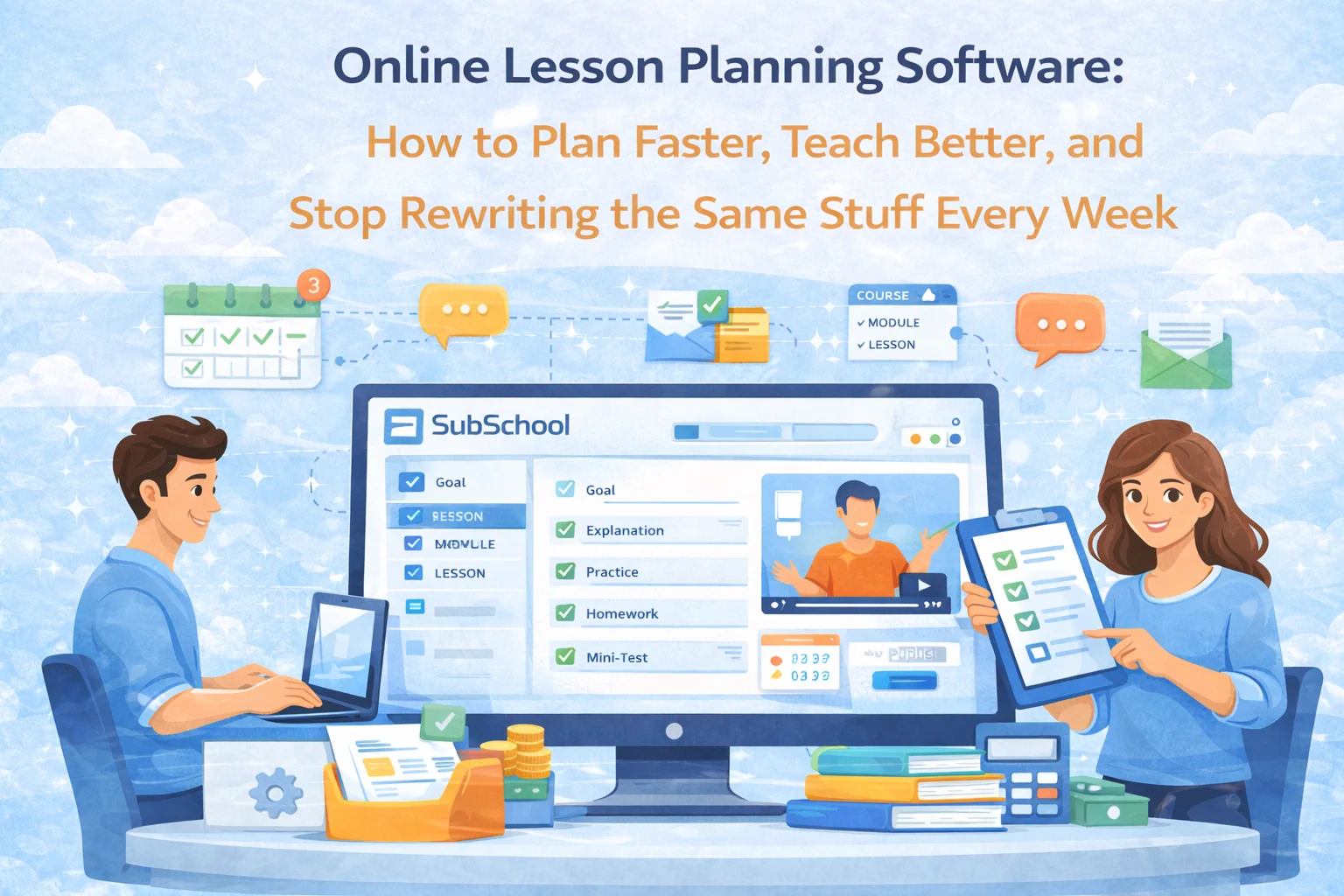
Online Lesson Planning Software: How to Plan Faster, Teach Better, and Stop Rewriting the Same Stuff Every Week
Lesson planning is one of those jobs that feels productive… until you realize you spent two hours formatting a doc your students will never see.
Online lesson planning software exists to fix that. Not with “cool templates” — with systems: reusable structure, faster prep, consistent delivery, and less mental load. And when it’s built into a platform like SubSchool, your plan isn’t just a plan — it’s directly connected to lessons, homework, live sessions, recordings, chats, and student progress.
This guide breaks down what online lesson planning software should actually do, what features matter, and how to implement it so you save time without lowering quality.
The Evolution of Lesson Planning
Transitioning to Digital
Traditional lesson planning has three built-in problems:
- Plans live in one place, teaching happens elsewhere
- Your plan might be in Google Docs, but your materials are in Drive, your class is in Zoom, your homework is in messages, and your grading is… wherever your sanity went.
- You keep rebuilding the same structures
- Warm-up → explanation → practice → homework → mini-assessment… and somehow you rewrite it from scratch every week.
- It scales horribly
- The moment you have multiple groups, different levels, or tutoring + group lessons — planning becomes a full-time job.
Digital planning fixes this only if it’s not just “a nicer doc,” but a workflow.
Benefits of Online Lesson Planning Software
Enhanced Organisation and Accessibility
A good tool gives you one “source of truth” where you can quickly answer:
- What are we teaching next week?
- What materials are used in each lesson?
- What homework is attached?
- Where is the recording from the last live session?
- Who is behind / ahead?
With SubSchool, the key win is that lesson planning can live directly where the course lives — meaning the plan is immediately connected to the lesson content, homework, chat, and live session artifacts. No “plan in one tab, delivery in another tab” mess.
Practical setup tip
- Make one consistent “lesson skeleton” template and clone it:
- Goal (one sentence)
- Context (what students should already know)
- Lesson flow (timed blocks)
- Materials
- Checkpoint question (how you know they got it)
- Homework (and grading rule)
This single template will save you more hours than any fancy UI.
Time-Saving and Efficiency
The real time savings come from 3 behaviors:
1) Reuse the structure, not just the content
- Your “lesson format” repeats.
- Your “explanations” evolve.
- Your “practice” changes.
So don’t reuse a whole lesson — reuse the frame.
2) Plan in modules, not in isolated lessons
A module should answer:
- What skill is being built?
- How it’s assessed?
- What patterns repeat?
When you plan at module-level first, lessons become filling in the blanks, not reinventing the course.
3) Reduce manual homework creation
If your platform supports it, generate homework from lesson materials instead of writing it from zero. That’s where SubSchool is strong: you can turn lesson content into homework, including adaptive practice.
Collaboration and Sharing
If you work with a co-teacher or run a school, collaboration is usually chaotic:
- “Which version is correct?”
- “Where’s the updated file?”
- “Did we already cover this?”
Online planning software should let you build a shared library:
- reusable explanations
- exercise bank
- assessment templates
- feedback rubrics
Then new teachers don’t “invent,” they “assemble.”
Key Features to Look for in Lesson Planning Software
Customisation and Flexibility
Look for tools that support:
- templates (lesson structures you can clone)
- multiple lesson content types (video, slides, text)
- different delivery modes (live / recorded / mixed)
- the ability to change planning style without breaking your whole course
If the tool forces you into one rigid format, you’ll stop using it.
Integration with Other Tools
This is the big SEO-ish keyword reality: online lesson planning software is only valuable if it connects to what you do next.
Best integrations (or native features) include:
- homework creation + submission
- grading + feedback
- scheduling + live calls
- recordings saved back into the lesson
- student progress tracking
If your “planning tool” doesn’t connect to delivery and assessment, it’s basically a prettier notebook.
User-Friendly Interface
Most teachers don’t quit tools because they’re “bad.” They quit because:
- it takes too many clicks
- it feels like admin software
- it doesn’t match their workflow
Your rule: If you can’t create next week’s plan in 20 minutes after you learn it, you won’t stick with it.
Implementing Lesson Planning Software in Your Teaching
Getting Started
Use this 60-minute onboarding approach:
Step 1: Pick one course you already teach
Don’t start with a new one. Start with something you can copy from.
Step 2: Create one module
- 2–4 weeks
- 6–8 lessons max
- one assessment checkpoint
Step 3: Build a reusable lesson template
Then clone it across the module.
Step 4: Attach homework
Start simple:
- 5–10 practice items
- 1 reflection question
Later you can add adaptive homework and essay/interview formats (where platforms like SubSchool become a multiplier).
Training and Professional Development
Don’t “learn the platform.” Learn your workflow inside it.
What to master first:
- Templates and duplication
- Attaching materials fast
- Homework flows
- Feedback loop (grading + next lesson adjustment)
Everything else is optional.
SubSchool: A Comprehensive Solution
Streamlining Your Lesson Planning
Here’s where SubSchool fits this topic naturally:
- Lessons can include video + slides + text article
- You can generate homework from lesson materials
- You can run live lessons, and recordings can be saved into the lesson or chat
- Chats keep the “classroom memory” in one place
- And you avoid the classic multi-tool sprawl that kills consistency
The point isn’t “SubSchool is cool.” The point is: planning is only useful when it’s connected to delivery and follow-up — and that connection is the differentiator.
Beyond Planning: A Holistic Teaching Approach
A strong planning workflow is a loop:
Plan → Deliver → Practice → Assess → Adjust
Most teachers do:
Plan → Deliver → Hope
When planning software is tied to homework + assessment + student performance, you can actually adjust:
- which topic needs repetition
- who needs extra practice
- whether your next lesson should change
That’s when “lesson planning” becomes “teaching strategy.”
Conclusion
Online lesson planning software is worth it when it does two things:
- saves time without lowering quality
- improves learning outcomes because planning connects to practice and assessment
If you want a tool that’s closer to an all-in-one teaching workflow (planning + content + homework + live sessions + chat), SubSchool is built for exactly that direction — without turning your life into 15 tabs and a nervous breakdown.


