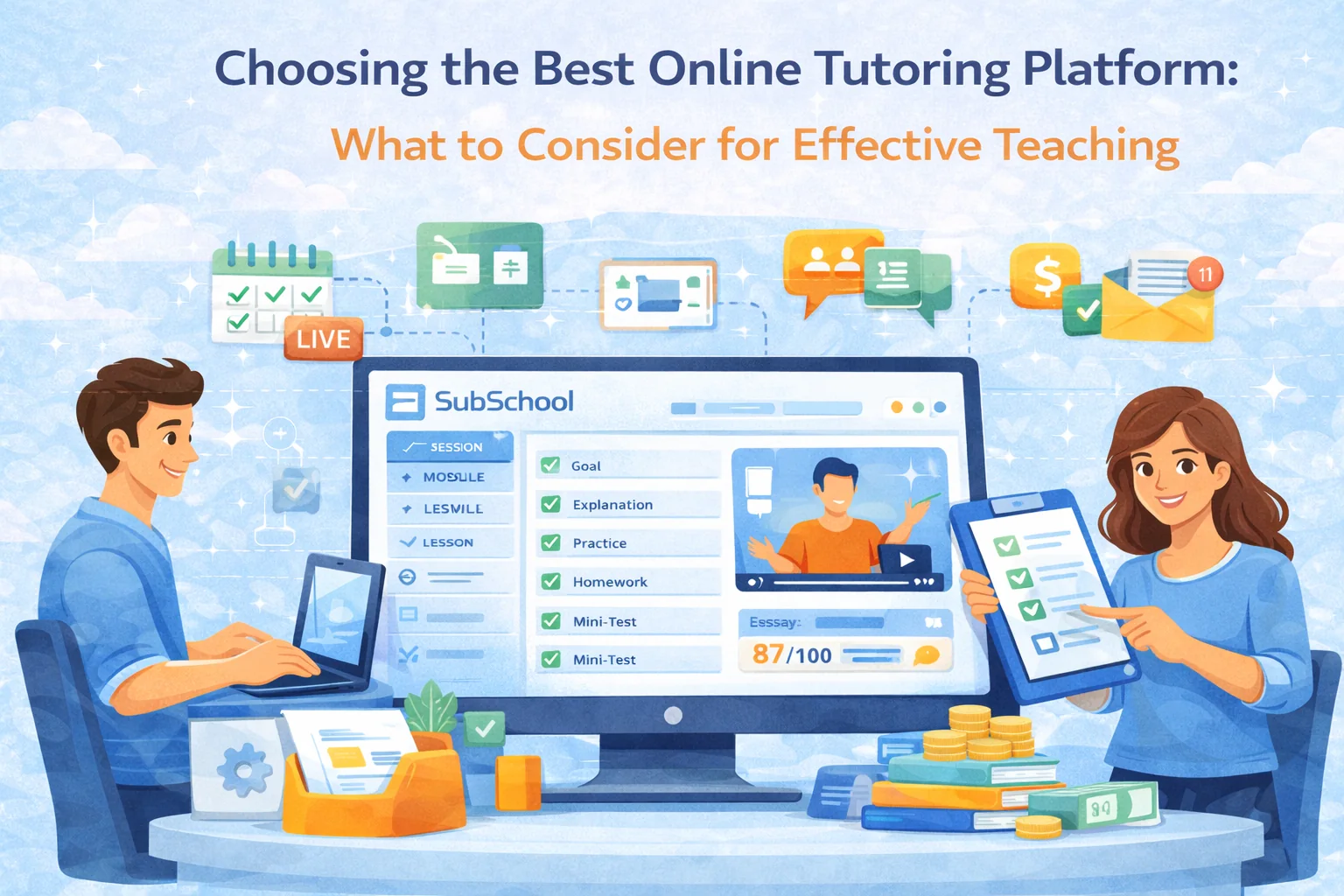
In the rapidly growing world of online education, picking the right online tutoring platform is the difference between “I love teaching again” and “why am I doing unpaid admin at 1 a.m.” This guide walks you through the real decision criteria (not the fluffy “has a logo and a dashboard” stuff) and shows how a platform like SubSchool can cover the full workflow: teach + tutor + assign + check + sell.
Understanding Your Teaching Needs
Identifying Your Goals
Before you compare tools, define what you’re actually building. Most tutors skip this and end up paying for features they don’t need—or missing the ones that matter.
Answer these in writing (seriously, 5 minutes):
- Teaching format: 1:1 tutoring, group classes, or both?
- Content type: live-only, recorded, or blended?
- Homework style: none / basic worksheets / frequent practice / exam-style training?
- Checking workload: do you want manual grading, auto-check, or a mix?
- Student experience: do students need mobile access, chat, lesson recordings, progress tracking?
- Sales model: paid sessions, paid courses, “try a lesson”, bundles, school brand page?
Quick mapping (common setups):
- Pure 1:1 tutor → scheduling + video + payments + chat + homework.
- Group exam prep → live lessons + recordings + weekly tests + progress tracking + structured homework.
- Course creator who also tutors → course builder + sales + live sessions + 1:1 add-on.
- Small school/team → teacher management + revenue split + unified brand/profile.
If you’re doing any mix of tutoring + courses + homework, you want a platform that doesn’t force you to duct-tape 5 services together.
Key Features of Online Tutoring Platforms
The right features don’t “add convenience.” They remove chaos.
User-Friendly Interface
If it’s hard for a student to:
- find the next lesson,
- submit homework,
- read feedback,
- access recordings,
…you’ll spend your life in “support mode” instead of teaching.
What to check in a demo:
- How many clicks from “student joins” → “student finds homework”?
- Can students do it on mobile without pain?
- Can you create a lesson + homework in under 3 minutes?
Where SubSchool fits: the platform is built around a simple flow: lesson content → homework → submission → feedback/grading, without requiring you to be a part-time LMS administrator.
Interactive Tools
Most platforms brag about “whiteboards” like it’s 2012. The real question is: does it support your teaching style?
Minimum interactive stack that actually matters:
- screen share + drawing/annotation
- chat during live lessons (not a separate app)
- easy sharing of files/links inside the lesson
- quick checks: polls/quizzes/short answers
Bonus points (high leverage):
- lesson recordings saved automatically
- timestamps or structured lesson notes
- post-lesson follow-up workflow (homework + feedback in the same place)
Where SubSchool fits: live calls can be recorded and automatically attached to the lesson or 1:1 chat thread—so students always know where to rewatch, and you don’t play “where did that file go?”
Course Management and Customisation
Even tutors end up building “micro-courses” (a 6-week plan, a SAT sprint, a grammar bootcamp). If your platform can’t structure content, you’ll recreate the same plan for every student.
Look for:
- modules + lessons structure
- lesson materials: video, slides, articles
- reusable templates (“weekly lesson structure”)
- ability to assign different homework to different students/groups
Where SubSchool fits: courses and lessons are content-first (video/slides/text), and you can generate homework from your materials—fixed sets or adaptive practice.
Assessing Platform Reliability and Support
Technical Reliability
If your tutoring platform glitches, students don’t blame the platform. They blame you.
Ask these questions (or test them):
- Does it work smoothly on average student devices?
- Does it handle weak internet gracefully?
- Where are recordings stored, and how fast can students access them?
- Any limits on lesson duration / storage / number of students?
Customer and Technical Support
Support quality matters more when:
- you teach across time zones,
- you run paid cohorts with deadlines,
- you rely on recordings and homework flows.
Green flags:
- clear help center
- fast response times
- real troubleshooting steps (not “have you tried refreshing?”)
Where SubSchool fits: support is part of the product story (support portal + structured teacher workflows), which is exactly what tutors need when scaling beyond “a couple students.”
Evaluating Cost and Revenue Models
Understanding the Pricing Structure
You’ll usually see:
- Commission model (platform takes % of your sales)
- Subscription model (you pay monthly, keep more revenue)
- Hybrid (lower commission + paid features)
Don’t compare just percentages. Compare total economics:
- payment processing fees
- payout timing (daily/weekly/monthly)
- refunds/chargebacks rules
- what happens if a student pays in installments
Revenue Potential
The best platform is the one that lets you increase revenue without increasing hours.
What actually increases revenue:
- selling a course + offering 1:1 as upsell
- selling modules/lessons so students can “try” before committing
- reducing manual grading time so you can teach more or charge more
- improving outcomes (better results = higher pricing power)
Where SubSchool fits: it supports selling full courses and individual modules/lessons, plus built-in tutoring flows—so you can offer both “structured course” and “personal support” without switching tools.
Community and Resource Access
Networking Opportunities
Most tutors grow fastest through:
- referrals,
- collaborations,
- audience content (short lessons, tips, mini-tests),
- being visible in a marketplace.
If a platform can help distribution (even a bit), that’s leverage.
Access to Educational Resources
Nice-to-have libraries are fine, but don’t overvalue them. Your advantage is your teaching approach—not stock worksheets everyone else has.
What does matter:
- reusable homework flows
- ability to build your own exercise bank
- smart assignment generation (so you don’t rewrite the same thing)
Where SubSchool fits: the AI-based homework generation and AI checking (including essay/interview formats) is exactly the type of “resource leverage” that scales a tutor’s time.
User Feedback and Reviews
Seeking User Opinions
Reviews are useful when you read them like an investigator, not like a fan.
Ask reviewers (or yourself) these:
- Did it reduce admin time or just move it into the platform?
- Did students find it easy to use?
- What broke first when you had 10+ students?
- Any issues with payments / scheduling / recordings?
Red flags:
- “great features” but no specifics
- users mention “confusing setup” repeatedly
- teachers still rely on external spreadsheets to manage everything
Making an Informed Decision
Trial Periods and Demos
Use a simple test script. Don’t “browse around.” Run a simulation.
30-minute platform stress test:
- Create one lesson with video/slides/text.
- Schedule a live session.
- Confirm recording behavior (where does it appear?).
- Create homework (2 types if possible: quiz + essay/interview prompt).
- Submit as a “student” and check the feedback/grading flow.
- Try to message in course chat and 1:1 chat.
- Check what progress tracking looks like.
If any of these steps feel clunky, it will feel 10x worse when you’re busy.
Where SubSchool tends to shine: it’s designed around exactly this end-to-end workflow (lesson → live session → recording → homework → checking → chat), which is what most tutors actually need once they move past “just Zoom.”
Conclusion
Choosing the right online tutoring platform is not about picking the platform with the longest feature list. It’s about picking the one that supports your real workflow with minimal friction: teaching, tutoring, homework, feedback, scheduling, recordings, and—if you want to scale—course sales.
If you’re building anything beyond “one-off calls,” a platform like SubSchool is worth considering because it’s designed to keep everything in one place: courses + tutoring + homework generation + grading + chat + recordings + selling options. That combination is what turns tutoring from a time trap into a scalable teaching business.