
How School Teachers Can Manage Their Workload (Without Burning Out)
Being a school teacher can be overwhelming with the daily tasks of planning lessons, grading assignments, and interacting with students
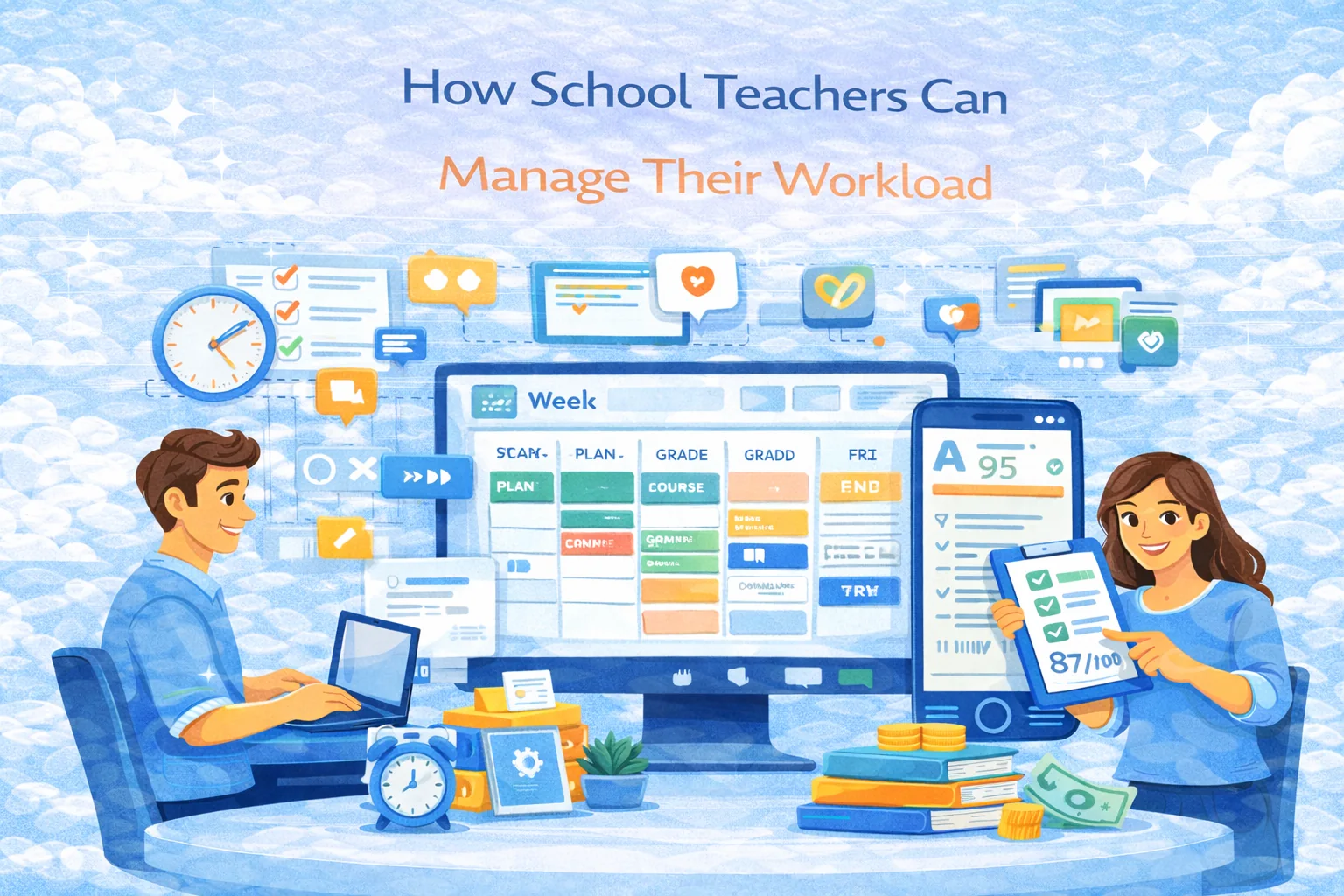
How School Teachers Can Manage Their Workload (Without Burning Out)
Teaching isn’t “just lessons.” It’s lesson planning, grading, parent comms, admin tasks, behavior management, meetings, and the never-ending “can you also…” requests. If you don’t build a system, the job will build one for you — and it usually looks like Sunday panic + weekday exhaustion.
Below is a practical, 2026-ready workload system that actually works in real schools.
Why your workload feels endless (and why it’s not your fault)
Most teachers drown for 3 reasons:
- Task switching all day (lesson → email → behavior issue → meeting → grading → back to lesson).
- Invisible work (planning, feedback, prep) that expands to fill all available time.
- No hard boundaries (you can always do “one more thing,” so you do).
The goal isn’t to become a productivity robot. The goal is repeatable routines + fewer decisions + less manual work.
Step 1: Do a 30-minute workload audit (once a month)
You can’t optimize what you don’t see.
Make a list of everything you do in a typical week and tag each item:
- Must be done by you (instruction, high-stakes feedback, relationships)
- Can be templatized (lesson structure, emails, rubrics)
- Can be automated (quizzes, tracking, reminders, grading where appropriate)
- Can be delegated (student roles, peer review, classroom jobs)
Your #1 win usually comes from templatizing and automating.
Step 2: Use “default templates” for everything
Decision fatigue is a hidden workload killer. Create defaults once, then reuse forever.
Lesson planning template (simple, repeatable)
Use the same structure for 80% of lessons:
- Warm-up (3–5 min) – recall / quick check
- New concept (10–15 min) – mini-lecture + example
- Guided practice (10–15 min) – do it together
- Independent practice (10–20 min) – students work
- Exit ticket (3–5 min) – quick assessment
When your brain recognizes the pattern, planning time drops hard.
Communication template library
Have canned responses for:
- “My child doesn’t understand…”
- “Can I get extra credit…”
- “Why is the grade…”
- “We were absent…”
Copy, tweak, send. You’re a teacher, not a bespoke email writer.
Step 3: Grade faster without becoming “that teacher”
You don’t need to grade everything. You need to measure learning.
Use a 3-level grading strategy
- Auto-graded checks (quizzes, multiple choice, matching, short answers)
- Rubric-based work (projects, essays, presentations)
- Spot-check / completion (practice sets, drafts)
Feedback rule that saves lives
For most assignments, give:
- 1 strength
- 1 improvement
- 1 next step
That’s it. Not a novel.
Speed grading tactics
- Grade one question at a time, not one student at a time.
- Use rubrics with preset comments.
- Do batch grading in 25-minute sprints.
If you’re building courses (even for your own classes), platforms like SubSchool help by keeping content + homework + results in one place, and letting you use more auto-graded checks without messy spreadsheets.
Step 4: Turn classroom management into a workload reducer
Behavior issues create “hidden overtime.” A few systems reduce them dramatically:
Make expectations visible and boring
- 3–5 rules max
- Reinforce weekly
- Use consistent consequences (not emotional improvisation)
Give students roles
Timer keeper, materials manager, tech helper, discussion leader — small roles reduce interruptions and give you bandwidth.
Build “quiet start”
First 3 minutes of class are silent warm-up. It stops the chaos entry that ruins the first 15 minutes.
Step 5: Time-block your week (like a grown-up)
The trick is theme days + hard stops.
Example weekly blocks
- Monday: plan next week (big picture)
- Tuesday: create/adjust assignments
- Wednesday: grading block
- Thursday: parent/student communication
- Friday: tidy + reflect + copy-forward templates
Daily rule
Schedule one admin block (20–30 minutes) and one deep-work block (45–60 minutes).
If you don’t schedule it, it becomes “after dinner.”
Step 6: Set boundaries that don’t make you feel guilty
Boundaries aren’t “self-care vibes.” They’re a professional requirement.
Practical boundary examples
- Email replies: within 24–48 hours, not instantly
- No school messages after 7 pm
- One day a week with zero grading at home
- Office hours window for students (even if it’s online)
If your school culture pushes “always available,” your boundary is: predictable availability, not infinite availability.
Step 7: Use tech to remove manual work (not add more)
Tech should reduce time, not create a second job.
Use tools for:
- Reusable lesson templates
- Assignment distribution + reminders
- Auto-graded practice
- Progress tracking
- Centralized materials
If you’re already thinking in “course format,” building your content inside something like SubSchool can double as:
- a cleaner structure for students
- a single place to manage homework and results
- reusable modules you never rebuild from scratch
Optional (but powerful): Create one reusable course and stop reinventing the wheel
Even if you teach in a school, building your content as a structured course (modules + lessons + homework) gives you:
- a reusable curriculum asset
- faster onboarding for new students
- less daily planning (because the path is already built)
Some teachers also monetize that later — but even if you don’t, it’s still a workload cheat code.
Quick checklist: what to do this week
If you do nothing else, do these 5:
- Create one lesson template and reuse it 3 times
- Convert one assignment into an auto-graded quiz/check
- Build one rubric you can reuse all semester
- Time-block one grading session (45 minutes) and protect it
- Create 3 email templates for the most common parent messages


