
Virtual Classroom Setup: Essentials for Creating an Effective Learning Environment
Uncover the essentials of setting up a virtual classroom that fosters effective learning, engagement, and interaction.
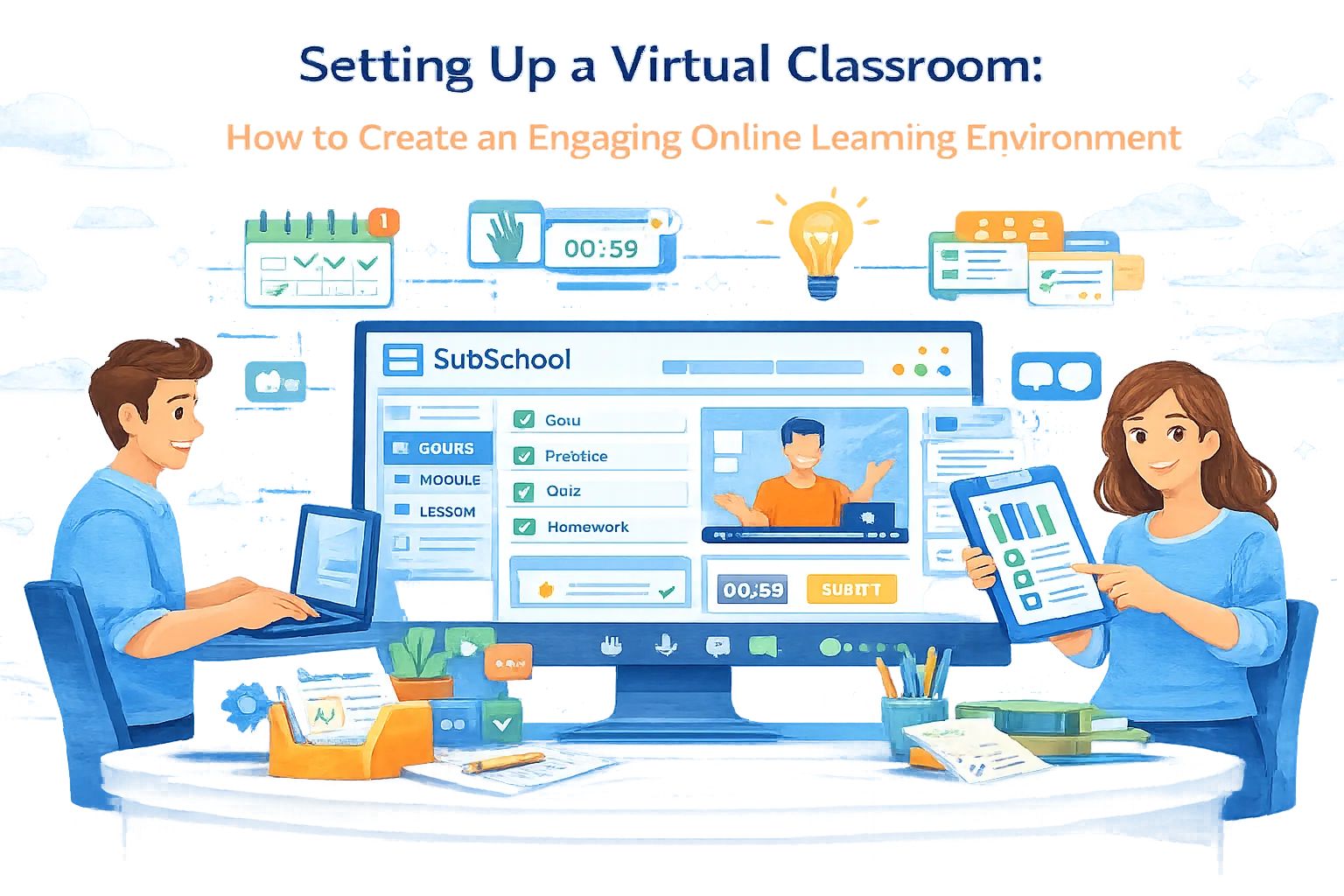
Setting Up a Virtual Classroom That Actually Works (and Doesn’t Feel Like “Zoom Jail”)
Setting up a virtual classroom that’s effective and engaging isn’t about picking “a video tool” and hoping students behave. It’s a system: tech + structure + interaction + feedback loops. Done right, students show up, participate, and improve. Done wrong, you get silent black rectangles and “sorry my mic doesn’t work” every 6 minutes.
This guide walks through the essential components of a virtual classroom setup—practical, step-by-step, and built for real teaching (not theory).
Understanding the Virtual Classroom
The Shift to Digital Learning
A virtual classroom is not a “digital copy of a physical classroom.” It’s its own environment with different strengths and weaknesses:
What digital does better
- Faster feedback loops (quizzes, auto-checks, instant polling)
- More personalization (different tracks, adaptive homework, extra practice)
- Better documentation (recordings, lesson notes, submissions in one place)
What digital does worse (unless you design for it)
- Attention and motivation (easy to drift)
- Social energy (students don’t automatically “bond”)
- Accountability (homework gets ignored when nobody’s watching)
So the goal is simple: keep the convenience of online + rebuild engagement and accountability intentionally.
Key Components of a Virtual Classroom Setup
Setting up an effective virtual classroom involves more than just the right software.
Think of your setup as 3 layers:
- Delivery layer (live lessons, recordings, materials)
- Interaction layer (chat, questions, collaboration, community)
- Accountability layer (homework, grading, progress, outcomes)
Most setups only build #1 and wonder why everything collapses.
Reliable Technology and Software
Your baseline tech should be boringly reliable.
Teacher hardware checklist (minimum viable)
- Microphone: external USB mic or a decent headset (audio matters more than video)
- Camera: laptop cam is fine; lighting matters more
- Lighting: face a window or use a cheap ring light
- Internet: stable Wi-Fi or (better) Ethernet; have a mobile hotspot as backup
Teacher software checklist
- A place for lessons and materials
- Live lesson scheduling + links
- Homework + submissions
- Grading/feedback
- Student communication
If you’re stitching together 6 tools, you’ll spend your life in glue work. An all-in-one platform like SubSchool is useful here because it’s designed around a full teaching workflow: course structure, tutoring/live lessons, homework, chat, and tracking in one system.
Reliability rules that reduce chaos
- Use the same “classroom link” pattern every time (students shouldn’t hunt for links)
- Keep materials and recording in the same place where students submit homework
- Write a 30-second “what to do if…” guide (audio issues, missed class, homework late)
Interactive and Engaging Content
Engagement isn’t “fun energy.” Engagement is students doing something every few minutes.
A practical structure for live lessons (works for most subjects)
- 0–5 min: warm-up question (easy win)
- 5–15 min: concept + example
- 15–25 min: guided practice (students answer, you correct)
- 25–35 min: harder example / common mistakes
- 35–45 min: mini-quiz / recap + homework briefing
If you talk for 40 minutes straight, you’ve created a podcast—not a class.
Use 3 content modes (and rotate them)
- Explain: short, clear, focused
- Show: demo, worked solution, live walkthrough
- Do: student attempts, polls, micro-assignments, quick checks
Make content “clickable”
Students engage more when every lesson has:
- a clear goal (“By the end you can…“)
- a small win (“You’ll solve X type of task confidently”)
- proof of progress (scores, feedback, visible improvement)
Communication and Collaboration Tools
Communication in online learning must be deliberate. If students don’t know where to ask questions, they won’t ask.
Two “must-have” channels
- Course chat (group): questions, announcements, motivation, peer help
- 1–1 channel: private feedback, tutoring, sensitive questions
Rules that instantly improve chat quality
- Pin “how to ask a question”: what you tried + where you got stuck + screenshot/text
- Make a “questions thread” format: students post, you answer in batches
- Add “office hours” once a week so support isn’t 24/7 chaos
Platforms like SubSchool are strong when chat + lessons + homework live together (instead of “homework in Google Docs, questions in Telegram, recordings in Drive, links in Notion”… which is how dreams die).
Creating an Engaging Learning Environment
Building a Community Online
Community doesn’t magically appear online. You have to manufacture it.
Simple community builders that work
- Introductions with structure: “Name, goal, starting level, why now”
- Pair check-ins: students discuss 2 minutes before answering
- Peer review: “Give feedback using this rubric” (people learn by evaluating)
- Progress rituals: weekly “wins + struggles” post
Anti-pattern: “Any questions?”
Nobody speaks. Ask better questions:
- “What step felt confusing: A, B, or C?”
- “Which answer is correct and why?”
- “What would you do first?”
Personalised Learning Experiences
Personalization is how you keep both fast and slow learners from quitting.
Three levels of personalization
- Support personalization: different explanations for different learners
- Practice personalization: easier/harder sets depending on performance
- Path personalization: different modules based on goals (exam prep vs basics)
If your platform supports adaptive homework or performance-based practice flows (like SubSchool aims to), that becomes a huge retention advantage—students feel the course is “for them.”
Managing and Facilitating Virtual Classes
Organisational Strategies
Students don’t drop out because the content is bad. They drop out because it’s messy.
Your classroom should answer these instantly
- What is today’s lesson?
- What do I need to do next?
- Where do I submit it?
- When do I get feedback?
- How do I ask questions?
Best practice layout
- Course → Modules → Lessons
- Each lesson contains:
- materials (video/slides/text)
- recording (if live)
- homework + submission link
- expected time + deadline
- rubric / how it’s graded (even a simple one)
Engaging Teaching Techniques
Online teaching needs slightly different “stage skills.”
Tactics that work in live sessions
- Cold calling with safety: “I’ll ask someone randomly, but you can say ‘pass’ once”
- “Think → type → share”: students answer in chat first, then discuss
- Use timed tasks (“2 minutes, go”) to create momentum
- Narrate your thinking (students learn how experts think, not just answers)
Mix synchronous and asynchronous
- Live: explanations, Q&A, coaching, group energy
- Async: reading, drills, recordings, reflections
A great virtual classroom uses live time for what’s uniquely live.
Overcoming Challenges in Virtual Classrooms
Technical Difficulties
Tech problems are guaranteed. The only question is whether they ruin your class.
Your backup plan should be written, not “in your head”
- If live fails → students watch recording / fallback video + do assignment
- If student audio fails → answer in chat
- If platform is down → email/backup link with the plan
Also: keep lesson materials accessible even if live doesn’t happen.
Maintaining Student Motivation
Motivation online is an engineering problem.
Motivation levers that actually work
- Weekly mini-tests (small stakes, frequent feedback)
- Visible progress (scores improving, streaks, milestones)
- Clear outcomes (“You’re now at 70% on exam Section A”)
- Social proof (student examples, shared wins, leaderboards carefully)
Biggest retention killer: homework with no feedback.
Even minimal feedback beats silence.
Conclusion
A strong virtual classroom isn’t defined by fancy tools—it’s defined by clarity, interaction, and accountability. If students always know what to do, get frequent feedback, and feel part of something, your online course stops being “content” and becomes a real learning system.
If you want the easiest path, avoid duct-taping seven services together. Use a platform like SubSchool (or anything equivalent) where lessons, live sessions, recordings, homework, chat, and progress tracking live in one place—because the less time you spend on admin glue, the more time you spend teaching.


