
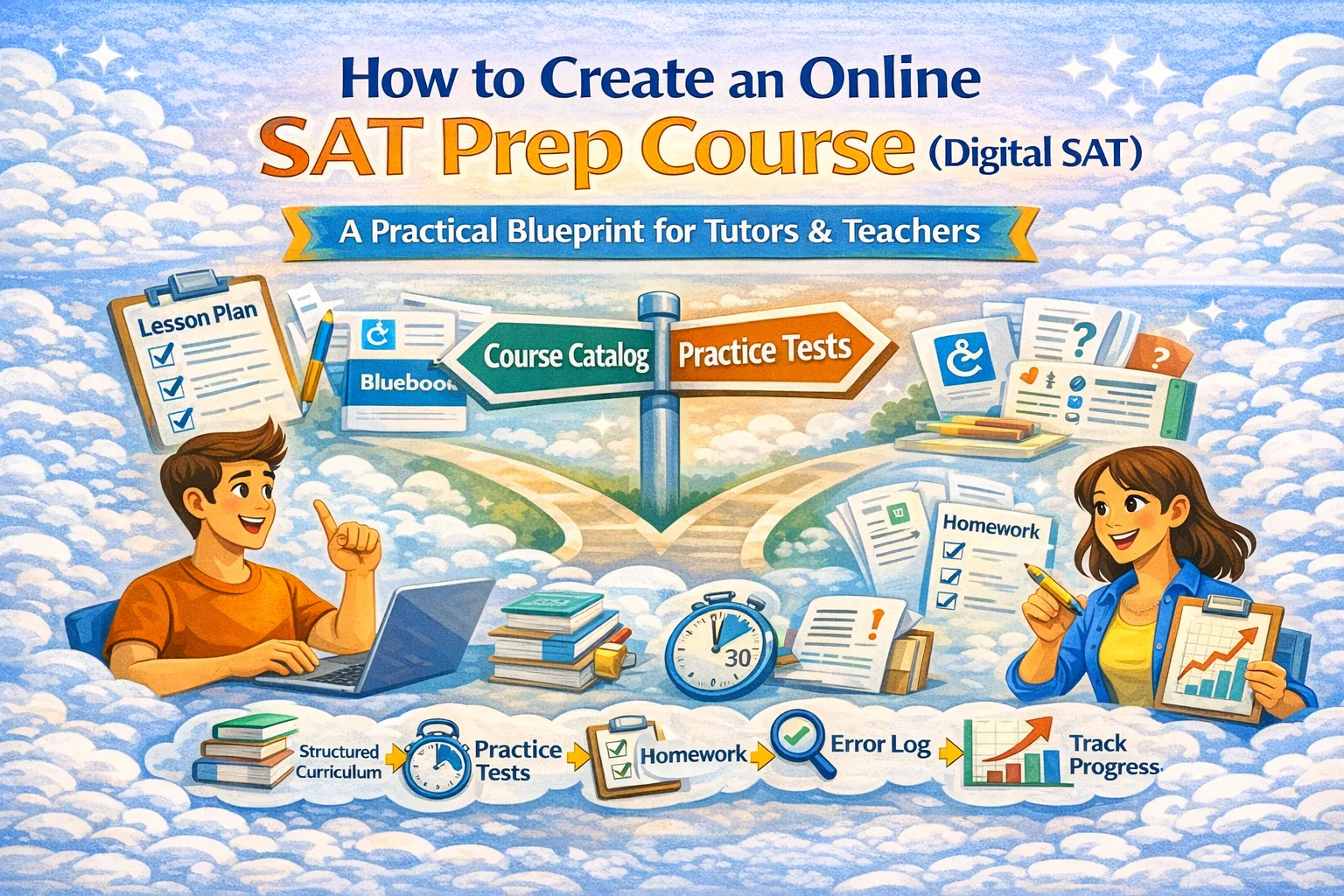
How to Create an Online SAT Prep Course (Digital SAT): a Practical Blueprint
Most pages that rank for “SAT online course” do one of three things:
- sell you a course, 2) tell students “study more,” or 3) vaguely say “make a plan.” What’s usually missing is the teacher-facing system: how you structure lessons, homework, practice tests, and score tracking in a way that produces predictable improvement.
This guide gives you that system.
1) Start with the reality: the SAT is digital and adaptive
Before you write a single lesson, you need to design around the actual test mechanics:
- The SAT has two sections: Reading & Writing and Math.
- Timing is 64 minutes for Reading & Writing and 70 minutes for Math (2h 14m total), with a 10-minute breakbetween sections.
- Each section is split into two equal-length modules. Performance in module 1 determines whether module 2 is “easier” or “harder” (multistage adaptive).
Course design implication: your program must train two things at once:
- core skills (so students earn a “harder” module confidently), and
- test execution (time, accuracy, pacing, second-module psychology).
2) Define the promise (and don’t overpromise)
Your course needs a clear outcome, but SAT outcomes must be framed responsibly.
A clean promise formula:
- Who: “Students aiming for +120 to +250 points”
- When: “in 8–12 weeks”
- How: “with weekly timed practice + targeted skill work”
- Proof: “tracked error log + practice-test checkpoints”
If you offer 4-week “miracle” boosts, you’ll attract the wrong clients and burn your reputation.
3) Build the curriculum as a loop, not a pile of topics
A winning SAT course is not “here are 40 lessons.” It’s a repeating loop:
The SAT Improvement Loop (weekly)
- Timed practice (mini or full section)
- Review + error log (why wrong? concept vs process)
- Targeted skill lessons (the smallest skill that fixes the most errors)
- Homework (enough reps to change behavior)
- Retest (prove the fix worked)
This loop also prevents the classic failure mode: students “learn content” but don’t gain points.
4) A practical course structure that actually works
Option A: 8-week program (most sellable)
Week 0 (Onboarding)
- Diagnostic + goal setting
- Baseline error log template
- Study schedule setup
Weeks 1–6 (Core loop weeks)
- 1 skill block for Reading & Writing
- 1 skill block for Math
- 1 timed mini-test per section
- 1 review session (group or async)
Week 7 (Full-length practice week)
- Full practice test in official-style conditions
- Deep review + “last-mile” fixes
Week 8 (Polish + test readiness)
- Timing strategy, guessing strategy, stress plan
- Final targeted drills
- Second full practice test or final mixed set + confidence build
Option B: 12-week program (highest outcomes)
Same structure, but you add:
- an extra practice-test checkpoint (weeks 4 and 9)
- more time for foundations (especially for students under ~1000–1050 baseline)
5) Your practice-test workflow (use the official flow)
Your credibility and student outcomes both improve when you align with official practice tooling:
- College Board provides full-length digital practice tests in Bluebook.
- Their practice guidance explicitly recommends taking at least one timed practice test and reviewing results afterward.
How you operationalize this in your course
- Week 0: Bluebook setup + “how to take a test” checklist
- Every week: 1 timed block (not always full length)
- Every 3–4 weeks: full-length practice test
- After every timed set: review using a structured error log (template below)
6) The error log template (the secret weapon)
You want students to stop saying “I got it wrong because I’m dumb.”
Use categories that lead to fixes:
Error type
- Concept gap (didn’t know rule)
- Misread question
- Strategy error (picked slow method)
- Careless (sign, arithmetic, bubble)
- Time pressure (rushed final items)
Fix plan
- “One-sentence rule” (what to remember)
- “Trigger” (how to notice the trap next time)
- “Drill set” (10–20 questions targeting this pattern)
You can host this as a shared doc, a form, or a built-in assignment workflow inside SubSchool so students submit it weekly and you can spot patterns fast.
7) Lesson format that scales without murdering your schedule
The scalable mix
- Asynchronous videos for concepts + worked examples
- Live sessions for review, decision-making, and feedback
- Homework + short quizzes to create repetition
If you try to do everything live, you’ll max out at a tiny number of students. If you do everything async, students procrastinate and plateau.
A practical rhythm:
- 2–3 short videos per week (8–15 min each)
- 1 live session (60–90 min)
- 2 homework sets (30–45 min each)
- 1 timed block (30–70 min depending on phase)
On SubSchool you can run this as:
- course modules (Reading & Writing / Math)
- lessons as uploaded videos (or live lesson slots)
- homework generated from lesson context (huge time saver when done right)
- optional “try one lesson” pricing so families can test before committing
8) “Course creation” workflow (fastest path to launch)
Here’s the no-drama build plan:
Day 1–2: Outline + templates
- Write your course promise, schedule, and loop
- Prepare:
- onboarding checklist
- error log template
- weekly homework rubric
- practice-test rules sheet
Day 3–7: Produce the first 2 weeks only
Don’t build 12 weeks before you sell. Build:
- Week 0 onboarding
- Week 1 + Week 2 content
- Launch. Enroll. Improve while running.
Day 8+: Build in public
As students move, you produce the next weeks with feedback.
If you already have a folder of videos, SubSchool lets you upload a batch and then use AI to help structure the course instead of manually building every lesson from scratch.
9) Pricing & packaging (what people actually buy)
Sell outcomes and structure, not “hours of content.”
Common packages:
- Self-paced (budget): videos + homework + answer keys
- Cohort (best value): weekly live + homework review + checkpoints
- 1:1 premium: tailored loop + aggressive score tracking
For marketplaces, the “try one lesson” option is gold. SubSchool supports selling a course as a whole or selling single lessons, which lowers purchase friction.
10) Academic integrity and content safety
Keep it clean:
- Don’t reuse copyrighted paid questions in your materials.
- Build original practice items and use official practice tests for full simulations.
- Be explicit: “This course teaches skills and strategies; scores vary by effort and baseline.”
This protects you legally and makes parents trust you more.
11) Resources (official / non-competitor)
Where SubSchool fits (without pretending it’s magic)
Use SubSchool when you want:
- fast course assembly from an existing video library
- structured modules + lessons + homework in one place
- AI-assisted homework generation tied to the actual lesson content
- a marketplace path (students can buy full course or single lessons)
- cohort delivery without duct-taping 6 different tools together


