
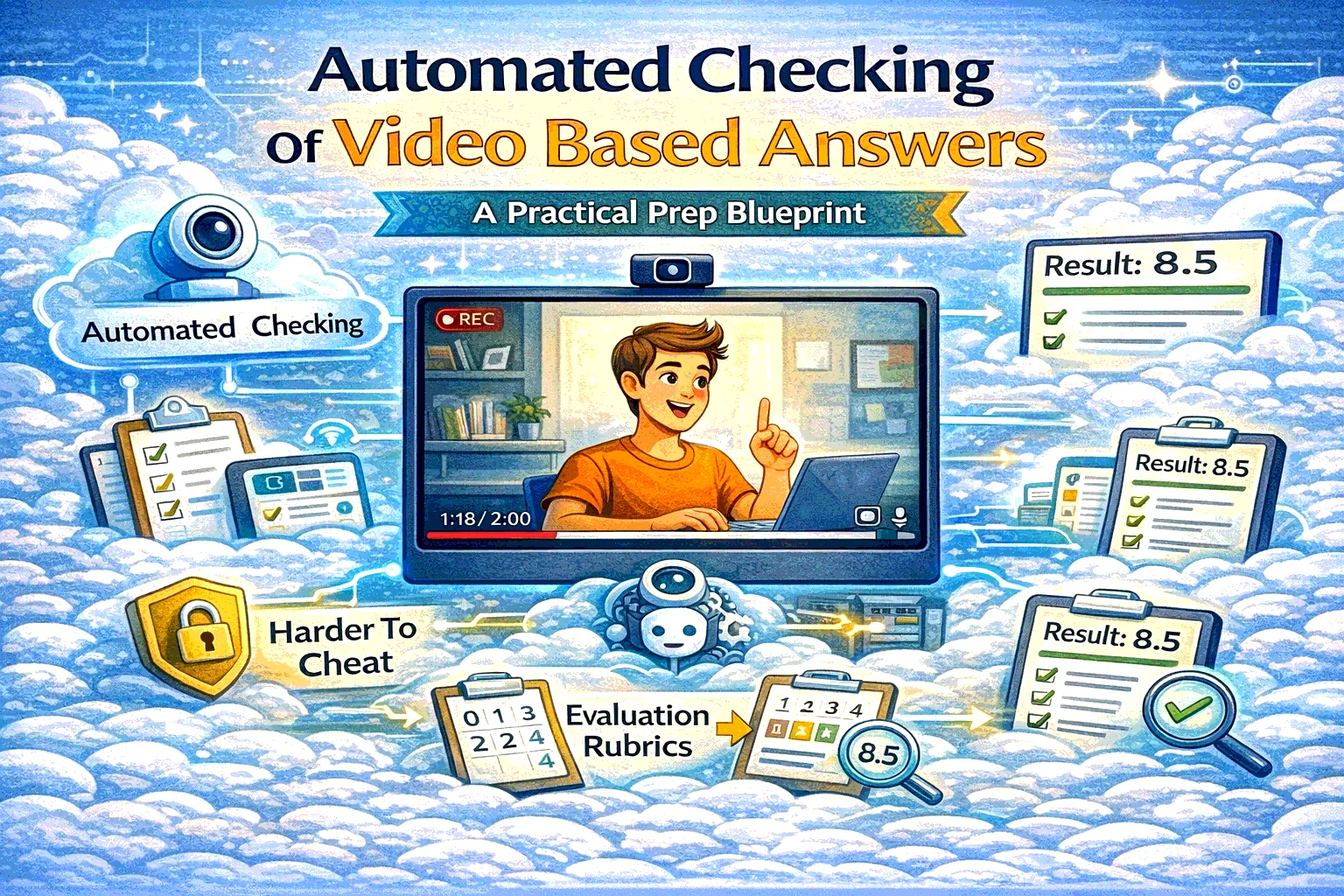
Automated Checking Of Video Based Answers: what it is (in one sentence)
It’s an assessment format where a learner (or candidate) records a video response to a prompt and the system checks it automatically (usually against a rubric), producing a score and feedback—often with optional human review for edge cases.
This is not “watching a video.” It’s turning video into measurable evidence.
Why this format is exploding
Text quizzes are great for recall. They are terrible for evaluating:
- real communication
- reasoning under pressure
- explaining decisions
- soft skills
- “do you actually understand it, or did you memorize it?”
Video answers solve that by forcing the person to perform the skill, not just select A/B/C/D.
The best use cases (where video answers beat classic quizzes)
1) Online oral exams (school / tutors / universities)
Use it when: you want the feeling of a “live exam” without scheduling chaos.
Examples:
- language speaking tests
- literature/history oral exams (“defend your thesis in 60–90 seconds”)
- math/science reasoning (“explain why this step is valid”)
- project defense (“what did you build, what tradeoffs did you make?”)
Why it works:
- students must explain, not just guess
- you get a reusable artifact for review and appeals
- grading becomes consistent with a rubric
2) Harder-to-cheat assessments (compared to pure multiple choice)
Video doesn’t make cheating impossible, but it raises the cost:
- you can require a one-take response
- add tight timing
- use randomized prompts
- ask follow-up “why” questions that are hard to copy-paste
Cheating shifts from “quick Google” to “actually understand enough to talk.”
3) Pre-scoring candidates in hiring (fast screening)
Instead of reading 300 resumes and guessing, you ask:
- “Walk me through how you’d handle X scenario”
- “Explain a project you shipped and what you’d do differently”
- “Role-play: respond to this customer message”
Automated scoring gives you:
- consistent first-pass evaluation
- faster shortlists
- evidence-based decisions (especially when combined with a rubric)
4) Corporate training (skill verification after onboarding)
Perfect for roles like:
- support / customer success (tone + process)
- sales (objections, discovery calls)
- compliance-sensitive roles (explain policy in your own words)
- leadership training (difficult conversation simulations)
Instead of “completed the course,” you get “can actually do the thing.”
5) EduHire (learning + hiring in one flow)
The strongest model is:
- candidate learns the basics (micro-course)
- candidate submits video tasks (like interview questions)
- the system scores and produces a structured report
That’s exactly the “train + evaluate” logic that SubSchool is built to support.
What makes automated checking actually reliable (the rubric)
If you want high-quality automated evaluation, you need a rubric that a stranger can apply.
A good rubric:
- 4–6 criteria max
- 0–4 scale per criterion
- examples of what “good” looks like
- clear fail conditions
- “next step” feedback per criterion
Example rubric (universal):
- Clarity / structure
- Correctness / decision quality
- Evidence / examples
- Communication (tone, empathy if relevant)
- Completeness (answered the question)
How it works in SubSchool
Here’s the exact flow you described, in clean product terms:
- The student opens a lesson/task in SubSchool
- They see the prompt (the “exam question” / scenario / interview task)
- They press Start recording and answer on video
- They submit the recording
- The system checks it automatically (rubric-based)
- The student receives a result (score + feedback), and you can optionally review/override if needed
This is perfect for:
- “live-feeling” exams without live scheduling
- scalable speaking practice with real feedback
- candidate pre-screening in EduHire flows inside SubSchool
Anti-cheating design: practical guardrails
If you want this format to be meaningfully harder to game, use 3–5 of these:
- One-take recording (no uploads, no editing)
- Prompt randomization (question bank)
- Follow-up question (generated from their answer or a second prompt)
- Require reasoning (“Why?” + “What would you do next?”)
- Rubric transparency (so students optimize learning, not loopholes)
- Human review on thresholds (e.g., if score is borderline or high-stakes)
Where it can go wrong (and how to avoid it)
This is the “don’t get sued / don’t ruin trust” section.
Risk 1: Over-automation in high-stakes decisions
For hiring or certification decisions:
- keep humans accountable for final decisions
- allow appeals
- audit scoring drift over time
Risk 2: Bias (especially in hiring)
Avoid scoring based on:
- facial expressions
- accent proxies
- appearance signals
Score what matters:
- structure, correctness, evidence, job-relevant reasoning.
Risk 3: Privacy and minors
If you teach minors, treat video like sensitive data:
- minimize retention
- clear consent
- secure access and deletion policy
Risk 4: Accessibility
Provide alternatives when needed (e.g., text response or different format), and keep the UI accessible.
Quick templates you can copy
1) Prompt templates
Education (reasoning):
“Explain your solution step-by-step. What is the key rule you used, and why does it apply here?”
Hiring (scenario):
“You’re handling X situation. Walk through your first 3 actions and explain why.”
Corporate training:
“Summarize the policy in your own words, then apply it to this scenario.”
2) 0–4 scoring anchor
- 4 = structured, correct, specific example, clear reasoning
- 3 = mostly correct, minor gaps
- 2 = generic, missing key steps
- 1 = confused / incomplete
- 0 = not answered / irrelevant


