
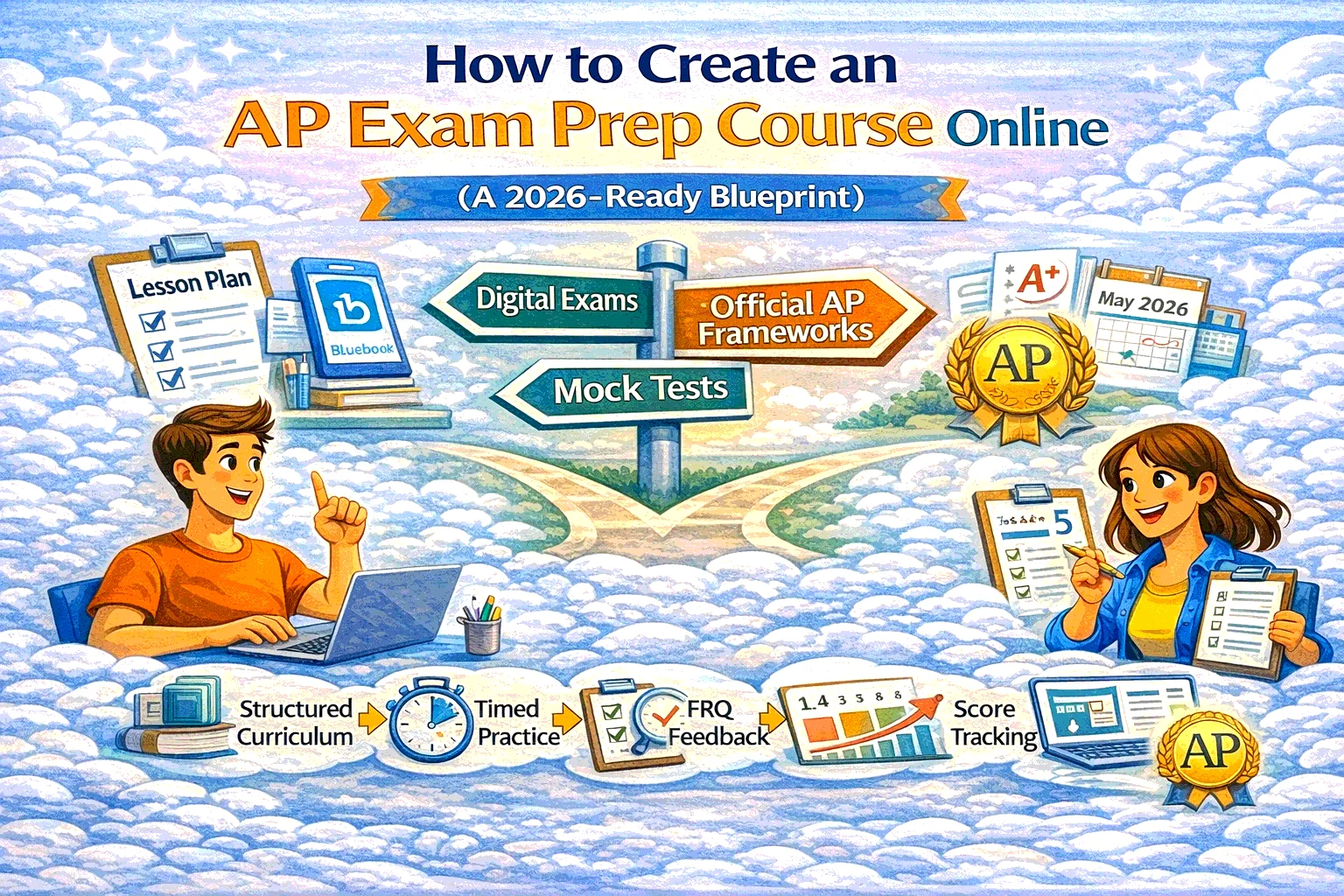
How to Create an AP Exam Prep Course Online (A 2026-Ready Blueprint)
Most “AP prep courses” fail for one boring reason: they’re built like a content dump, not like training for a specific performance day. You don’t need more videos. You need a course that converts effort into points—and fits how AP Exams are actually administered in 2026.
Here’s the practical blueprint.
1) First, don’t accidentally call it an “AP Course” (unless you’re authorized)
There are two different animals:
- AP Course (official, school-labeled): If a school labels a class “AP,” it must be authorized via the AP Course Audit process.
- AP Exam Prep (what most tutors sell): You’re preparing students for the exam format and skills. Totally fine—but market it as “AP Exam Prep” and avoid implying it’s an official College Board AP course.
Rule of thumb:
If you’re not running it through a school that’s doing AP Course Audit, name it “AP [Subject] Exam Prep” and sleep peacefully.
2) Build around the 2026 exam reality: digital + hybrid
In 2026, most AP Exams are delivered fully digital or hybrid digital through the Bluebook app.
Hybrid means: multiple-choice + viewing FRQs in Bluebook, but writing FRQs in paper booklets.
What this changes for your course:
- Students must practice timing + tool friction (scrolling, highlighting, calculator tools where relevant, etc.)
- You should include at least two full “device-realistic” mock exams (even if your questions are your own)
Also: the AP testing window is May 4–8 and May 11–15 in 2026. That’s your deadline, not “someday.”
3) Use the AP CED as your course skeleton (not random topic lists)
AP Central provides course/exam info across 42 AP subjects.
Each subject has a Course and Exam Description (CED) with the framework and sample questions (example: AP Biology CED).
Your job: Convert the CED into a course that feels obvious to follow.
The CED-to-course mapping method
For each unit/topic cluster:
- Outcome (skill): what students must be able to do
- Typical mistakes: what loses points
- Practice set: short drills + one mixed set
- FRQ training: method + rubric-based feedback
- Checkpoint: timed mini-section
This creates momentum and makes the course feel “tight,” not infinite.
4) Course structure that actually works (steal this)
Recommended structure (for most AP subjects)
- Module 0: Diagnostic + Setup
- baseline score estimate
- study schedule selection (6-week / 10-week / full-year)
- digital readiness checklist (Bluebook familiarity)
- Modules 1–6/10: Units
- lessons + drills + mixed practice + FRQ training
- Module Final: Exam Camp
- 2 full mocks (timed)
- error log → targeted mini-lessons
- pacing strategy + final checklist
The “points-per-minute” principle
Every lesson should answer:
- What do I do on test day?
- What’s the fastest way to earn points here?
- What’s the most common trap?
If a lesson doesn’t improve test-day decisions, it’s educational decoration.
5) Practice design: the thing students pay for
Content is cheap. Feedback + repetition design is the product.
Your practice stack
- Daily (10–20 min): micro-drills (retrieval practice)
- 2×/week (30–60 min): mixed sets (interleaving)
- 1×/week (60–90 min): timed section + review
- Every 2–3 weeks: FRQ set + rubric scoring
- Twice total: full mock exam, timed
Add an “Error Log” workflow
Require students to log:
- topic
- mistake type (concept / process / reading / time)
- correct rule
- “next time I will…”
This is how scores move without doubling study time.
6) How to ship it fast in SubSchool (without building a whole website)
Three production paths:
Path A — Video dump → course instantly
If you have a pile of recorded lessons: upload them, and SubSchool can help turn that library into a structured course instead of “Video Folder 1–47.” (Which is how motivation goes to die.)
Path B — Build manually, use AI where it matters
If you’re writing lessons by hand, use SubSchool to generate homework based on each lesson’s context—so you spend time on teaching decisions, not on creating yet another “10 questions on Unit 3.”
Path C — Hybrid (best for most tutors)
- Use your videos for concept delivery
- Use text lessons for tactics (pacing, rubrics, error patterns)
- Use AI-generated homework for volume + variation
Monetization edge: students can buy a full course or a single lesson (great for “try before you buy” and for topic-specific panic buyers). That’s built into the marketplace model of SubSchool.
7) AI policy + academic integrity: set rules upfront
If you allow AI support (many students will use it anyway), define what’s allowed and what’s not. College Board publishes 2025–26 guidance for AI tools under AP Exam policies.
Also, don’t build your course around anything that nudges students toward exam misconduct. College Board emphasizes strict exam security policies to keep testing fair.
Practical tutor policy that works:
- AI allowed for: explanations, alternate examples, reviewing mistakes
- AI not allowed for: generating “final answers” on graded checkpoints
- Require students to submit: reasoning + what they learned, not just outputs
8) A concrete example: 8-week AP Exam Prep sprint (template)
This works for most subjects with minor tweaks:
Week 1 — Diagnostic + plan
- baseline timed section
- build schedule
- setup: error log + weekly cadence
Weeks 2–6 — Unit cycles
Each week:
- 2 concept lessons
- 3 drill sets
- 1 mixed timed set
- 1 FRQ method lesson + 1 FRQ submission
Week 7 — Exam camp 1
- Mock #1 timed
- deep review by mistake type
- patch lessons (short + targeted)
Week 8 — Exam camp 2
- Mock #2 timed
- pacing strategy
- final high-yield review list
Tie the calendar to the AP exam window so students feel urgency (in a good way).


