
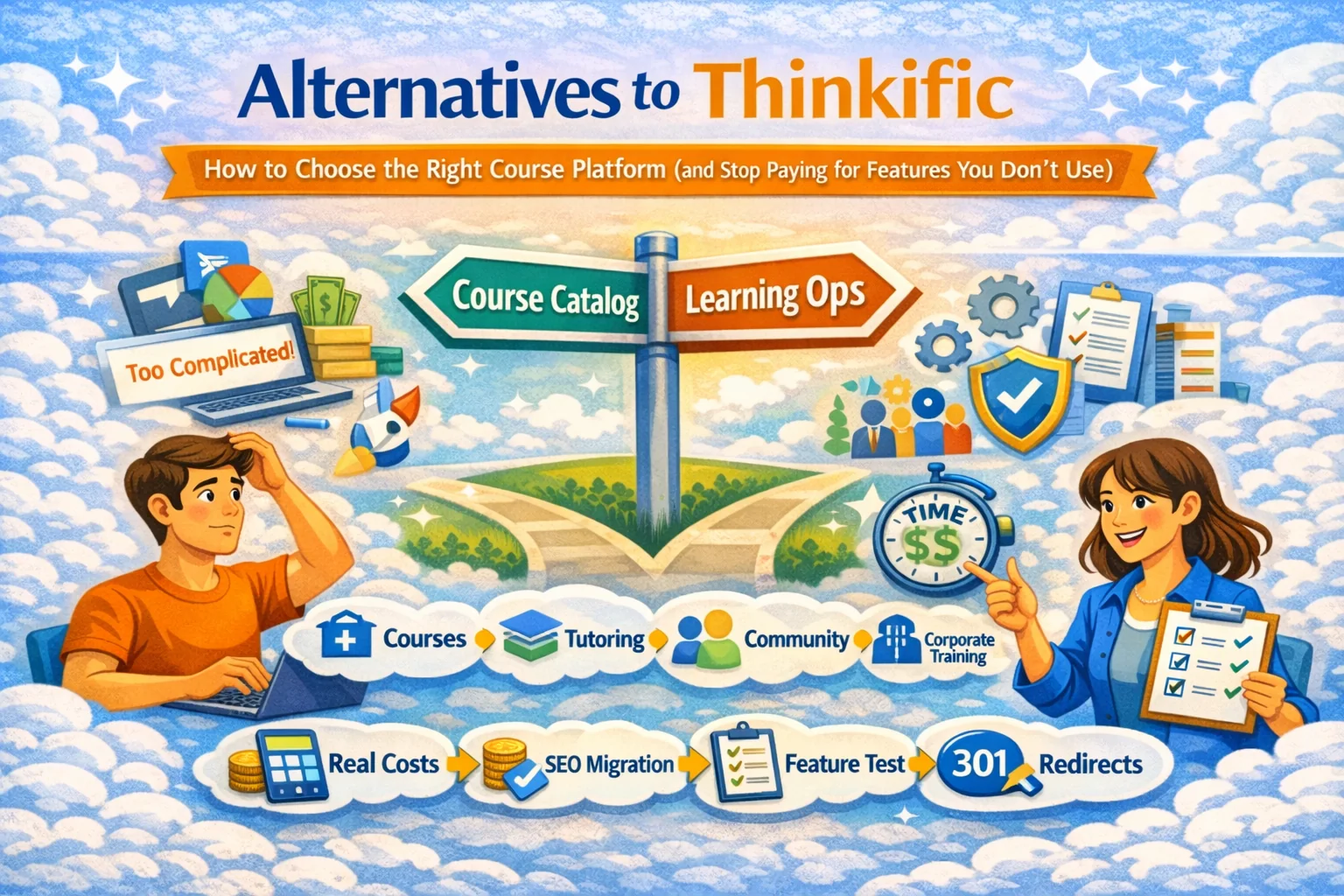
Alternatives to Thinkific: a practical buyer’s guide
If you’re leaving Thinkific, you’re usually not looking for “more features.” You’re looking for one of these:
- Simpler setup (less platform admin, more teaching/selling)
- Better learner experience (especially mobile)
- Better payments/sales model (bundles, subscriptions, single lessons)
- Stronger learning ops (homework, grading, cohorts, reporting)
- Lower real cost (the platform + all the tools you had to add around it)
Most search results for this query are listicles and comparison pages, plus real-world “help me replace Thinkific” threads on Reddit and Q&A sites. The recurring pattern is: people hit a ceiling (pricing, UX, limits, missing workflows), then realize they’re running a “stack” instead of a business. (podia.com, reddit.com)
This article gives you a decision framework that works even if you ignore every brand name on the internet.
Step 1 — What job do you need the platform to do?
Pick the closest scenario:
A) Course catalog business (many courses, evergreen sales)
You need:
- clean navigation + search
- bundles/subscriptions
- stable analytics and content updates
B) Tutoring / teacher-led learning
You need:
- lesson-level structure
- homework + feedback cycles
- ability to sell single lessons (low-friction trial)
C) Membership/community with learning inside
You need:
- tiered access control
- recurring billing
- community workflows
D) Corporate training (L&D)
You need:
- cohorts by department/team
- reporting, completion evidence
- roles/permissions and audits
E) EduHire (learning + assessment for hiring)
You need:
- interview-format tasks (video responses)
- scoring/rubrics
- reporting designed for hiring decisions
If you’re in B/D/E, many course platforms feel “creator-first” but not “learning-ops-first.” That’s usually where switching actually makes sense.
Step 2 — Choose the platform type (not a brand)
Thinkific alternatives fall into a few categories. Choosing the wrong category is why people migrate twice.
1) Creator-first platforms (funnels, pages, checkout)
Best for: marketing-driven course sales
Tradeoff: learning workflows can be basic; you add tools for homework, grading, cohorts
2) LMS-first platforms (structure, tracking, reporting)
Best for: schools, academies, corporate learning
Tradeoff: marketing may require integrations
3) Marketplace-first platforms (discovery built-in)
Best for: teachers without an existing audience
Tradeoff: marketplace rules, less brand control
4) Community-first platforms (membership + engagement)
Best for: retention-driven creators
Tradeoff: course authoring often secondary
5) Build-your-own stack (site + plugins)
Best for: maximum control
Tradeoff: maintenance, security, performance become your job
You don’t want “a Thinkific alternative.”
You want the right category for your growth model.
Step 3 — The 12-point checklist (this is what to test on every trial)
Learning experience
- Mobile experience: does it feel good or like a webview punishment?
- Navigation: can learners easily see what’s next?
- Search/filtering for large catalogs
- Playback + transcripts + accessibility basics
Course building & updates
- Time to publish a course: can you do it in one evening?
- Modules/lessons, drip, prerequisites
- Easy updates without breaking enrolled students
Assessment & outcomes
- Quizzes + assignments + rubrics
- Feedback workflow (grading + resubmission)
- Certificates / completion evidence (if needed)
Selling & growth
- Pricing flexibility: bundles/subscriptions/coupons/single lessons
- Analytics: conversion + completion + lesson drop-off (both matter)
This aligns with how comparison guides recommend evaluating platforms: not by claims, but by workflow coverage and cost of ownership. (zapier.com, podia.com)
Step 4 — The real cost (what your finance brain cares about)
Most people compare plan prices and ignore the “hidden stack.”
Real monthly cost = platform + email tool + video hosting + integrations + payment fees + your time
If you’re using multiple tools to reproduce basic workflows (emails, checkout, analytics, access rules), that’s not “flexibility.” That’s unpaid ops work.
Also: selling digital products often drags in email marketing and storefront tooling; many guides push “sell digital products” stacks as a separate layer. (mailerlite.com)
Step 5 — Migration plan that doesn’t nuke SEO (and your sanity)
1) Inventory
- product list (courses/bundles/subscriptions)
- pricing, coupons
- student list + access rules
- top ranking pages
2) Preserve SEO
- keep slugs where possible
- map old URLs → new URLs
- 301 redirects
- replicate metadata for top pages
3) Parallel run 7–14 days
- test purchases
- mobile QA
- email delivery
- support flow (refund/access restore)
4) Cutover communication
Keep it boring and clear:
- login link
- what changes / what doesn’t
- help channel
Where SubSchool fits as a Thinkific alternative
If what you want is: “less setup, faster publishing, better learning ops, plus a marketplace option,” SubSchool is a strong alternative because it’s built for both creation and distribution:
- Create courses manually or upload a batch of videos and let AI structure the course
- If you create lessons manually, AI can generate homework based on lesson context
- Students can buy a full course or a single lesson (low-friction trial that boosts trust)
- Works for corporate training and EduHire-style flows with interview-format tasks inside courses
That combination matters when you’re tired of juggling tools just to ship a course.


