
Alternatives to Teachable: How to Choose the Right Course Platform (Without Regretting It in 30 Days)
Looking for Teachable alternatives? Use this practical framework to pick the right platform by business model (courses, tutoring, memberships, corporate training), must-have features, true costs, and an “avoid migrating twice” checklist.
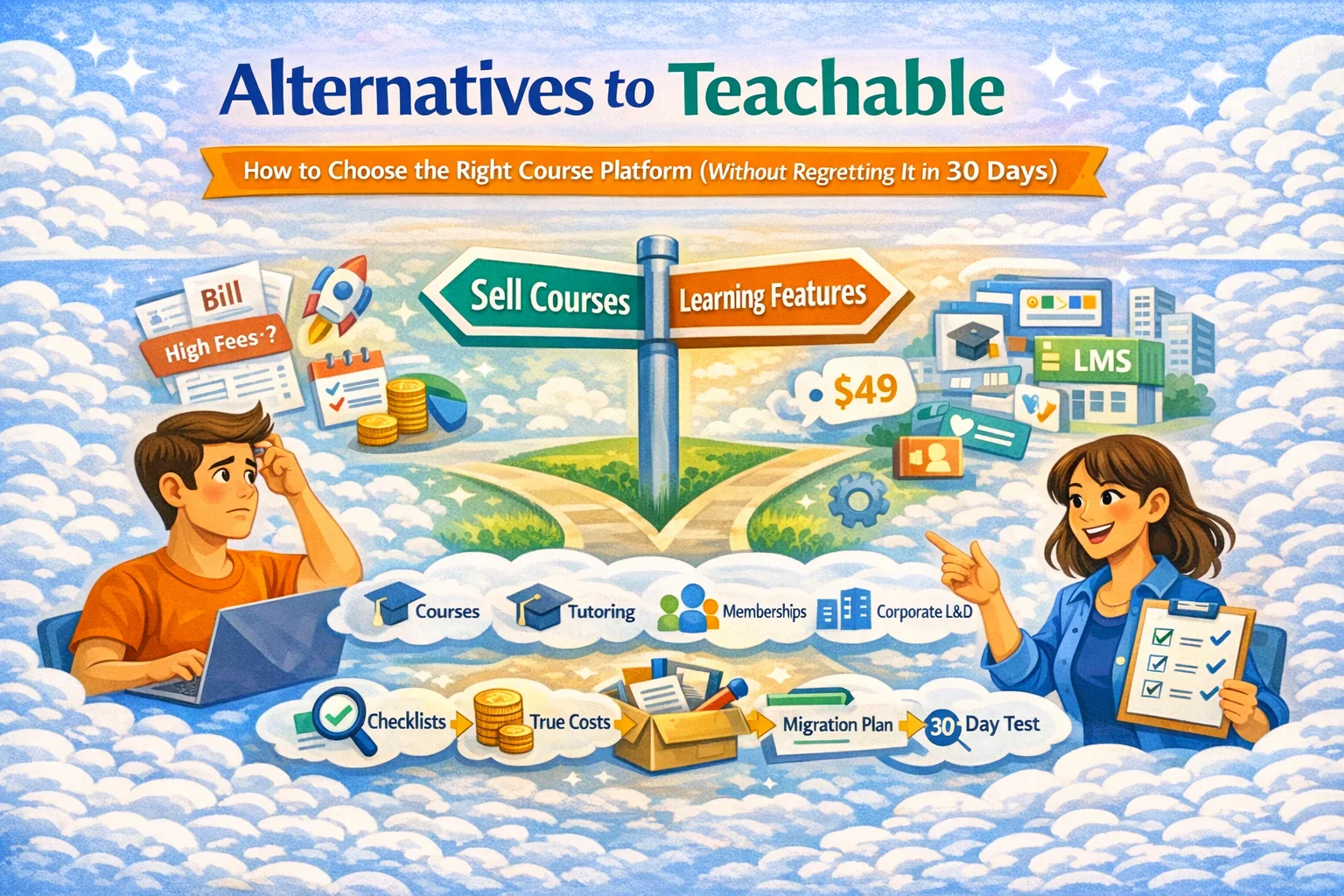
Alternatives to Teachable: the only decision framework you need
If you typed “Alternatives to Teachable,” you’re usually not shopping — you’re escaping.
Common triggers:
- pricing feels steep for what you actually use
- you want a different sales model (single lessons, marketplace discovery, bundles)
- you need stronger learning features (assignments, rubrics, cohorts)
- you’re tired of stitching a “stack” together
Most search results for this topic tend to be listicles (“Top 12 alternatives…”), a few Reddit threads (“too expensive / missing features”), and some “Kajabi vs Teachable” style comparisons. Useful for scanning, terrible for choosing. So we’ll do the opposite: start with your use case, then narrow platform types, then verify with a quick trial script.
Step 1 — Decide what you’re actually selling (this picks the platform category)
Pick the closest truth:
A) Evergreen courses (sell repeatedly, minimal support)
You need:
- fast authoring + clean learner UX
- checkout + coupons
- analytics (completion + drop-off)
B) Tutoring / teaching (students pay for progress, not content)
You need:
- lesson-level structure
- homework + feedback loops
- options to sell single lessons (try-first)
C) Membership / community + content
You need:
- access control (tiers)
- recurring billing
- community features (or integrations)
D) Cohorts (high-touch, premium)
You need:
- scheduling + cohorts
- assignments + submissions
- instructor workflows (grading, feedback, rubrics)
E) Corporate training / onboarding
You need:
- cohorts by team
- reporting that managers actually use
- roles/permissions and audit-friendly tracking
F) Hiring + learning (EduHire)
You need:
- interview-format tasks (video answers)
- rubrics/scoring
- exports and reporting for hiring decisions
If you’re in B / E / F, “classic creator course platforms” can feel like the wrong shape: great checkout and pages, but weaker learning ops and evaluation workflows.
Step 2 — Choose the platform type (not a brand)
“Alternatives” aren’t one thing. You’re choosing among categories:
1) Creator-first course platforms
Best for: selling courses with funnels + checkout
Tradeoff: learning ops can be basic; you bolt on homework, assessments, grading elsewhere
2) LMS-first platforms
Best for: structure, cohorts, assignments, reporting
Tradeoff: marketing pages and checkout may be less slick or require integrations
3) Marketplace-first platforms
Best for: discovery + lower friction for new teachers
Tradeoff: less control, marketplace rules, sometimes weaker brand ownership
4) Community-first platforms
Best for: retention via community + membership
Tradeoff: course authoring is often secondary
5) “Build your own” (website + plugins + checkout)
Best for: maximum control
Tradeoff: you become the IT department (security, performance, updates, integrations)
Your “best Teachable alternative” is the category that matches your business model — not whichever listicle had the prettiest screenshots.
Step 3 — The 12-point checklist that prevents dumb platform decisions
Use this as your shortlist filter:
Learning experience
- Can learners clearly see what’s next and where they are?
- Mobile usability: does it feel native or like punishment?
- Search/navigation across lessons (especially for big catalogs)
Course creation
- Time to publish a decent course: can you do it in one evening?
- Content types: text, video, downloads, quizzes, assignments
- Versioning: can you update without breaking student progress?
Assessment + proof of learning
- Quizzes + assignments + rubrics
- Feedback workflow (grading, comments, re-submissions)
- Certificates or completion evidence (if you sell outcomes or do corporate)
Selling & growth
- Checkout quality + coupons + bundles + subscriptions
- SEO control: custom slug, meta, redirects, indexation control
- Analytics: conversion + completion + lesson drop-offs (both matter)
Step 4 — True cost: the number that actually hurts
People compare subscription prices and ignore the real bill:
Real monthly cost = platform fee + email tool + video hosting + integrations + payment fees + your time
Your time is the silent killer:
- manual enrollments
- fixing access issues
- rebuilding pages
- chasing analytics across tools
- “why didn’t they complete lesson 2?” with no data
If switching platforms saves you 6–10 hours/month, that’s not a feature — it’s cash.
Step 5 — “Don’t migrate twice” plan (the boring part that saves your business)
1) Inventory
- courses/products (including bundles)
- pricing, coupons, subscriptions
- student list + access rules
- top ranking pages (SEO)
2) Content portability
- export videos/files
- export lesson outlines
- save transcripts and downloadable assets
3) SEO protection
- keep slugs where possible
- map old URLs → new URLs
- set 301 redirects
- recreate metadata for top pages
4) Parallel run (7–14 days)
- internal test purchases
- mobile checks
- email notifications
- support workflow test (refund / access restore)
5) Migration announcement
Short and confident:
- what changes (login link / UI)
- what doesn’t (access, progress, support contact)
- where to get help
Where SubSchool fits (if your pain is “I just want this to be simple”)
If you want an alternative that leans into teaching + selling without building a Franken-stack: SubSchool is built for creators, tutors, and teams who want:
- course creation manually or upload a batch of videos and have AI help structure the course
- AI-generated homework based on lesson context (when you build lessons manually)
- marketplace selling with the ability for students to buy a full course or a single lesson
- corporate training and EduHire-style interview-format tasks inside courses
(And yes — the “single lesson” option is underrated: it’s the fastest way to reduce buyer fear and validate demand.)


