
Alternatives to Kajabi: how to choose the right platform (and avoid migrating twice)
Thinking about switching from Kajabi? Here’s a practical framework to pick the right alternative based on what you actually sell (courses, coaching, memberships, corporate training), plus a migration checklist and cost calculator.
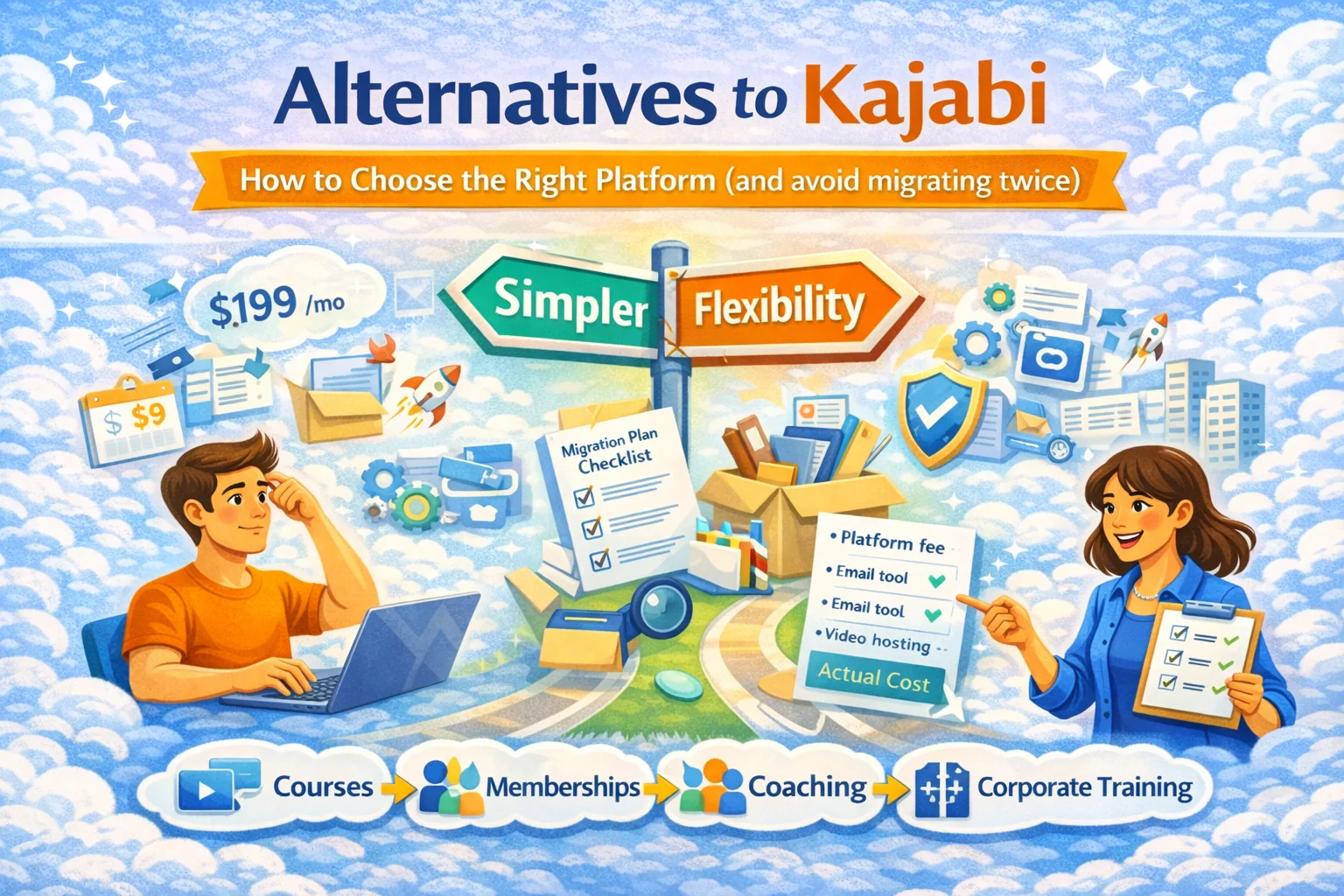
Alternatives to Kajabi: how to choose the right platform (and avoid migrating twice)
If you’re searching “Alternatives to Kajabi,” you’re usually in one of these moods:
- “This is expensive.”
- “This is… a lot.”
- “I just want to sell my stuff without becoming a part-time systems engineer.”
Totally fair. Even articles written by platform teams admit the usual pain points: Kajabi’s premium pricing, product limits by plan, and the reality that “all-in-one” often still means “plus a few extra tools.”
This guide won’t hand you a random list of 27 tools. Instead, you’ll get a decision framework that makes the right choice obvious for your business — and a migration plan so you don’t do the “move platforms → regret → move again” speedrun.
Why people leave Kajabi (the real reasons, not the polite ones)
Most “Kajabi alternatives” pages repeat the same themes:
- Price sensitivity: “Cheaper than Kajabi” is a whole genre for a reason.
- Limits and tiers: plans can restrict number of products/pipelines, which matters the moment you try to expand your catalog.
- Complexity: all-in-one platforms tend to become “all the menus you’ll never open.”
- You’re not actually using half the stack: you mainly need course delivery + payments + basic marketing, not a spaceship cockpit.
- You want a different go-to-market: marketplace distribution, lesson-by-lesson selling, or corporate training/hiring workflows — not just “sell one flagship course.” (Kajabi is optimized for the classic creator funnel model.)
So the right question isn’t “What’s cheaper than Kajabi?”
It’s: “What job am I hiring the platform to do?”
Step 1 — Decide what you’re selling (because “online course” is vague)
Pick the closest match:
A) A flagship course (high ticket, cohorts, heavy marketing)
You care about landing pages, checkout conversion, upsells, email flows, affiliate tracking.
B) A course catalog (many small products, evergreen)
You care about organization, search, bundles, subscriptions, low admin overhead.
C) Coaching + downloads + memberships (mixed offers)
You care about flexible product types and clean customer access control.
D) Tutoring / lesson-based learning (sell individual lessons)
You care about granular purchases and low-friction mobile access.
E) Corporate training (team seats, progress tracking, internal rollouts)
You care about roles, reporting, cohorts, and structured programs.
F) Hiring / EduHire (assessments + interview-style tasks)
You care about structured evaluation, video responses, and workflow reporting.
If your answer is D/E/F — classic “Kajabi-style creator stacks” often start to feel like the wrong tool for the job.
That’s exactly where SubSchool is positioned: it can be a course-creation platform, a marketplace where students can buy a full course or a single lesson, and a corporate learning + EduHire system with interview-format tasks inside courses. And if you upload a bunch of videos, SubSchool can auto-structure the course; if you build lessons manually, it can generate homework from lesson context.
Step 2 — Choose your “Kajabi alternative” category (not a specific brand)
Instead of chasing brand names, choose a platform type. Here are the main categories people end up with:
1) “Lighter all-in-one” (all basics, less bloat)
Best for: creators who want simplicity + low monthly cost
Tradeoff: fewer advanced marketing features, less polish at scale
(You’ll see many “cheaper alternatives” lists pushing this angle.)
2) “Course-first platforms” (best teaching UX)
Best for: educators who care about lessons, modules, quizzes, certificates
Tradeoff: marketing stack may be weaker → you add email/checkout tools
3) “Checkout-first stack” (payments + funnels, content elsewhere)
Best for: marketers who already have content hosting covered
Tradeoff: students may have a fragmented experience
4) “Community-first platforms” (membership + engagement)
Best for: creators whose value is community + retention
Tradeoff: course authoring may be secondary
5) “WordPress/plugin stack” (maximum control)
Best for: technical teams, agencies, people who want deep customization
Tradeoff: updates, plugins, security, performance become your problem
6) “Marketplace + course builder” (distribution built in)
Best for: teachers who don’t want to build traffic from zero
Tradeoff: marketplaces have their own rules, discovery dynamics, and pricing psychology
If you want marketplace distribution + lesson-based selling + fast course creation + AI homework, you’re squarely in category 6 (with authoring speed upgrades). That’s a strong fit for SubSchool because it’s designed as both: a creation platform and a marketplace — plus corporate learning/EduHire on top.
Step 3 — The “don’t migrate twice” checklist (non-negotiables)
Before you pick anything, answer these. If a platform fails a non-negotiable, stop romanticizing it.
Content & learning experience
- Do you need modules/lessons, drip scheduling, quizzes, homework?
- Do you need sell-a-single-lesson (trial/low-ticket entry)?
- Do you need mobile-first consumption?
Sales & pricing
- One-time purchase, subscriptions, bundles, coupons?
- Upsells/downsells?
- Multiple currencies/VAT/sales tax needs?
Marketing & growth
- Email marketing built-in vs integrations?
- Affiliate tracking?
- SEO control over pages (slugs, metadata, redirects)?
Operations
- Team roles (author, instructor, admin)?
- Support workflows (refunds, access issues)?
- Analytics (completion rates, lesson drop-off)?
Business model direction
- Are you building a brand site, or do you want distribution via marketplace?
- Are you planning corporate training or hiring assessments?
If you see “corporate training + interview tasks” in your 6–12 month plan, pick a platform that supports it natively — or you’ll duct-tape three services together and call it “stack.”
SubSchool supports corporate learning and EduHire-style interview-format tasks inside courses, so you don’t have to bolt it on later.
Step 4 — A simple cost calculator (the number that actually matters)
Most comparisons obsess over the subscription price. Cute. Here’s the real monthly cost:
Real Monthly Cost = platform fee + email tool + video hosting + checkout fees + “extra apps” + your time
Make a quick table like this:
- Platform: $___ / month
- Email: $___ / month
- Video hosting: $___ / month
- Checkout fees: ~2.9% + $0.30 per transaction (varies)
- “Random add-ons you swear you need”: $___ / month
- Your time cost: (hours/month × your hourly value)
Now compare that to a simpler setup where you can create faster and sell in the way your customers want.
Example: If you currently spend 6–10 hours/month patching funnels + embeds + access issues, that’s not “free.” That’s a subscription paid in your lifespan.
Step 5 — Migration plan (so you don’t break your business on launch day)
1) Inventory everything
- Products, offers, coupons
- Pages that rank on Google
- Email sequences + tags
- Student access rules
2) Export what you can
- Customer list
- Course content structure
- Media files and transcripts
3) Preserve SEO
- Keep the same slugs where possible
- Set 301 redirects for old URLs
- Recreate metadata (title/description) for top pages
- Don’t “launch a new site” — migrate it
4) Run a parallel test for 7–14 days
- Internal test buyers
- Different payment methods
- Mobile experience check
5) Communicate the switch (short, confident)
- “New platform, same access”
- “Here’s where to log in”
- “Reply here if anything looks wrong”
Which alternative is best? Use this decision shortcut
Choose the statement that’s most true:
- “I need simpler + cheaper, and I sell a small set of products.” → lighter all-in-one
- “My teaching UX matters more than funnels.” → course-first
- “My product is community.” → community-first
- “I want full control and have dev resources.” → WordPress stack
- “I want distribution and flexible lesson-level selling.” → marketplace + course builder
- “I need corporate training or hiring assessments.” → learning platform with corporate/EduHire workflows
If you’re in the last two bullets, SubSchool is the obvious contender: it’s built for course creation speed (including “upload videos → AI structures the course”), supports lesson-based buying in the student marketplace, and can run corporate learning + EduHire interview-format tasks inside courses.
Resources (non-competitor, actually useful)
Compliance & student data
Marketing & advertising rules
Accessibility
Email & communications


