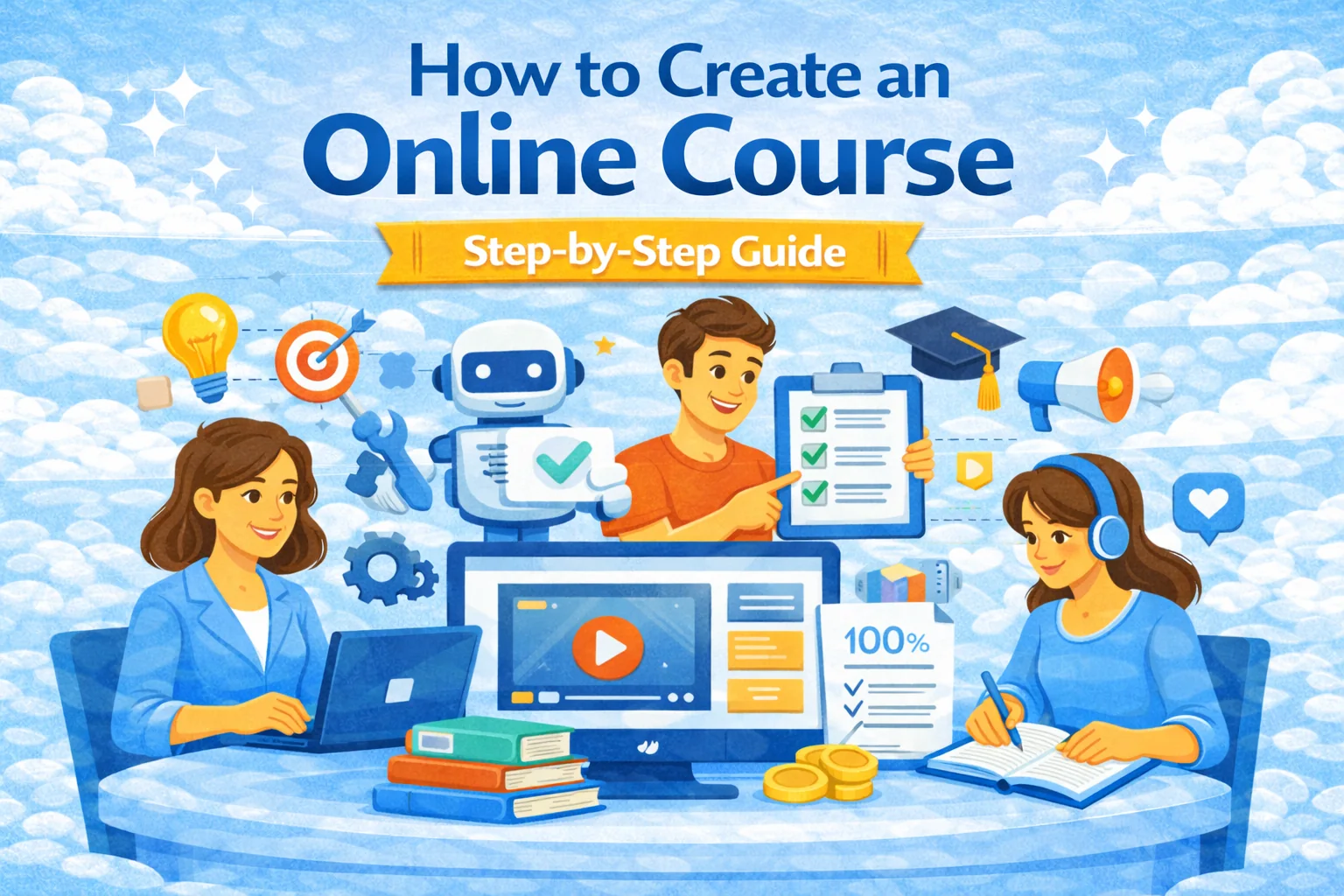
How to Create an Online Course (that sells and gets completed)
Most “how to create an online course” advice collapses into two extremes:
- Over-production (months of filming, zero sales), or
- Under-design (a pile of videos people abandon at lesson 3)
The best middle path looks like product development:
- pick a sharp problem,
- prove demand,
- design outcomes,
- ship a first version fast,
- iterate based on real learners.
Below is the exact playbook.
Step 1) Validate the course idea (before you build anything)
The 3 checks that save you weeks
Check A — “pain, not interest”
Your topic must solve a painful job/task/life problem, not just be “interesting.”
Check B — “specific learner”
“Beginners in Python” is vague. “Python for accountants who automate monthly reports” is a course.
Check C — “measurable outcome”
If the outcome can’t be measured, learners can’t feel progress (and won’t finish).
This mirrors what the official course-creation guidance on Udemy pushes: define ideal learners, write clear objectives, then build activities/assessments around them.
Quick validation tactics (fast + honest)
- Search intent scan: do people search “how to…” / “template…” / “examples…” for your topic?
- Competitor reviews: read 1–2 star reviews of similar courses and build “the fix.”
- Pre-sell a cohort: run a paid live cohort first (even 10 people). Record it. Turn it into the async version.
Step 2) Design the course backwards (outcomes → lessons → assets)
A strong course is basically:
- Outcome →
- Skills →
- Practice →
- Feedback →
- Proof (assessment / project)
This is aligned with mainstream instructional design: audience, narrative clarity, active learning, inclusive content, and the tools you use to deliver it—exactly what Coursera emphasizes in its course on creating online learning materials.
Template: outcomes and lesson map (copy/paste)
Write 3–7 outcomes like this:
- “By the end, you will be able to [do X] in [context] using [tools] with [quality bar].”
Then create modules:
- Module 1: Setup & quick win (reduce fear, get momentum)
- Module 2–4: Core skill loops (teach → practice → feedback)
- Module 5: Capstone / real project (portfolio or practical output)
Step 3) Choose the course format (and don’t overcomplicate it)
The 4 common formats
- Async video course (scales best, slower feedback loop)
- Live cohort (fast validation, higher completion)
- Hybrid (best of both: async core + live office hours)
- Text-first course (underrated for business skills + frameworks)
Video length rule (boringly effective)
Aim for 5–10 minutes per lesson, add simple interaction (quiz/question) and captions. This matches the practical advice from Elementor: keep videos short, add interaction, use visuals, and add captions for accessibility.
Step 4) Build lessons fast (without killing quality)
The “Minimum Lovable Course” approach
Ship the smallest version that still feels premium:
- 20–40 lessons (short)
- 1 capstone project
- 1–2 assessments per module
- a simple progress loop (“do → submit → improve”)
Where SubSchool fits (creator speed + learning quality)
If you want to build fast without duct-taping tools:
- SubSchool lets teachers create courses with a straightforward flow and run lessons, communicate with students, and manage homework in one place.
- It also highlights automated homework grading as a core time-saver for educators and schools.
That matters because feedback throughput is usually the bottleneck that prevents creators from scaling beyond a handful of learners.
Step 5) Add practice + assessment (this is what makes the course “real”)
People don’t pay for content. They pay for outcomes.
Practical assessment ideas
- Checkpoints: mini quizzes after each module
- Submission tasks: learners submit a file/screenshot/video
- Capstone: one real-world project with a rubric
- Interview-style tasks (EduHire): learners answer questions on video like a real interview
For corporate learning / EduHire use-cases, SubSchool is positioned for structured learning + assessment workflows and school/team management.
Step 6) Pick your platform (marketplace vs. own site vs. all-in-one)
This decision changes everything: pricing freedom, audience ownership, and growth.
Option A — Marketplace (distribution first)
Pros: traffic exists
Cons: weaker pricing control, weaker relationship ownership
That tradeoff shows up clearly in creator discussions: marketplaces can give exposure, but often reduce pricing flexibility and take a meaningful cut.
Option B — Your own site (control first)
Pros: brand + email list + pricing control
Cons: you must drive traffic and set up more pieces
Option C — Platform that bundles creation + delivery (speed first)
If your goal is to ship quickly and avoid “tool soup,” SubSchool is designed around easy course creation and running learning workflows without heavy technical overhead.
Step 7) Price it (simple rules that work)
Pricing is positioning.
A pricing ladder that’s easy to sell
- $19–$49: “single skill” mini-course
- $99–$299: core course with capstone
- $499–$1500: cohort + feedback + live sessions
- $2k+: coaching / certification / job-focused outcomes
Practical pricing test
Run a founders cohort:
- limited seats
- discounted price
- you get testimonials + data + the recording becomes your async course
Step 8) Launch it (without pretending you’re a “marketing genius”)
Launch is a sequence, not a post.
Simple launch plan (2 weeks)
Week 1 — proof + waitlist
- announce the outcome (not the content)
- share 3–5 short tips publicly
- collect early interest (even manually)
Week 2 — conversion
- “early-bird” for first 20 learners
- ask every buyer why they bought
- fix landing page language using those exact words
Creators repeatedly bring this up in community discussions: your platform choice often doesn’t “do marketing for you,” so you need a basic audience + pre-launch effort either way.
Two real-world build examples (practical, not theoretical)
Example 1: Tutor launches a mini-course in 7 days
Topic: “Essay Writing for SAT: structure that boosts score fast”
Format: short lessons + weekly homework
MVP assets: 25 lessons, 5 homework sets, 1 final essay rubric
Build strategy: upload lesson videos, then generate and attach homework per lesson inside SubSchool (fast feedback loop + less admin)
Example 2: Company onboarding + hiring (EduHire style)
Goal: train new SDRs and filter candidates
Course design:
- module quizzes
- role-play scripts
- video interview tasks (“handle this objection”)
- Why this works: training + evaluation in one flow, less guessing, clearer promotion decisions
- SubSchool positions itself for business/school setups with teams and structured course delivery.
Final checklist (steal this)
Before build
- one specific learner persona
- 3–7 measurable outcomes
- competitor scan + review gaps
- pre-sell or recruit 10 beta learners
Build
- modules + lesson map
- short lessons (5–10 min) + captions
- at least 1 assessment per module
- capstone + rubric
- feedback loop (manual or automated)
Launch
- landing page focused on outcomes
- early-bird cohort or first 20 buyers
- collect testimonials + objections
- iterate the course + page copy
I


